
Bee Swarm Simulator Codes
Promo codes tracked from developer announcements and community records. Redeem via the top-left Settings gear icon.
Working Codes (October 2026)
49- Marshmallow Bee, Field Dice, and Boost items
- Marshmallow Bee, Red Balloon, and Berries
- Cloud Vial, 5 Bitterberries, and 10 Gumdrops
- 5 Tickets
- 5 Tickets
- 5 Tickets
- 5,000 Honey
- 5 Tickets
- 5,000 Honey and 5 Tickets
- Magic Bean and Pineapple Patch Boost
- 10 Micro-Converters
- Free in-game rewards
- Free in-game rewards
- Free in-game rewards
- Free in-game rewards
- Free in-game rewards
- Free in-game rewards
- Free in-game rewards
- Free in-game rewards
- Free in-game rewards
- Free in-game rewards
- Free in-game rewards
- Free in-game rewards
- Free in-game rewards
- Free in-game rewards
- Free in-game rewards
- Free in-game rewards
- Free in-game rewards
- Free in-game rewards
- Free in-game rewards
- Free in-game rewards
- Free in-game rewards
- Free in-game rewards
- Free in-game rewards
- Free in-game rewards
- Free in-game rewards
- Free in-game rewards
- Free in-game rewards
- Free in-game rewards
- Free in-game rewards
- Free in-game rewards
- Free in-game rewards
- Free in-game rewards
- Free in-game rewards
- Free in-game rewards
- Free in-game rewards
- Free in-game rewards
- Free in-game rewards
- Free in-game rewards
How to Redeem Codes in Bee Swarm Simulator
- Launch Bee Swarm Simulator on Roblox.
- Click the gear icon (Settings) in the top-left corner of the screen.
- Look at the top of the Settings window to locate the Promo Codes text box.
- Type or paste your code into the text input area.
- Click the green Redeem button to claim your Honey, Tickets, and Boosts.
In-Game Verification Screenshots
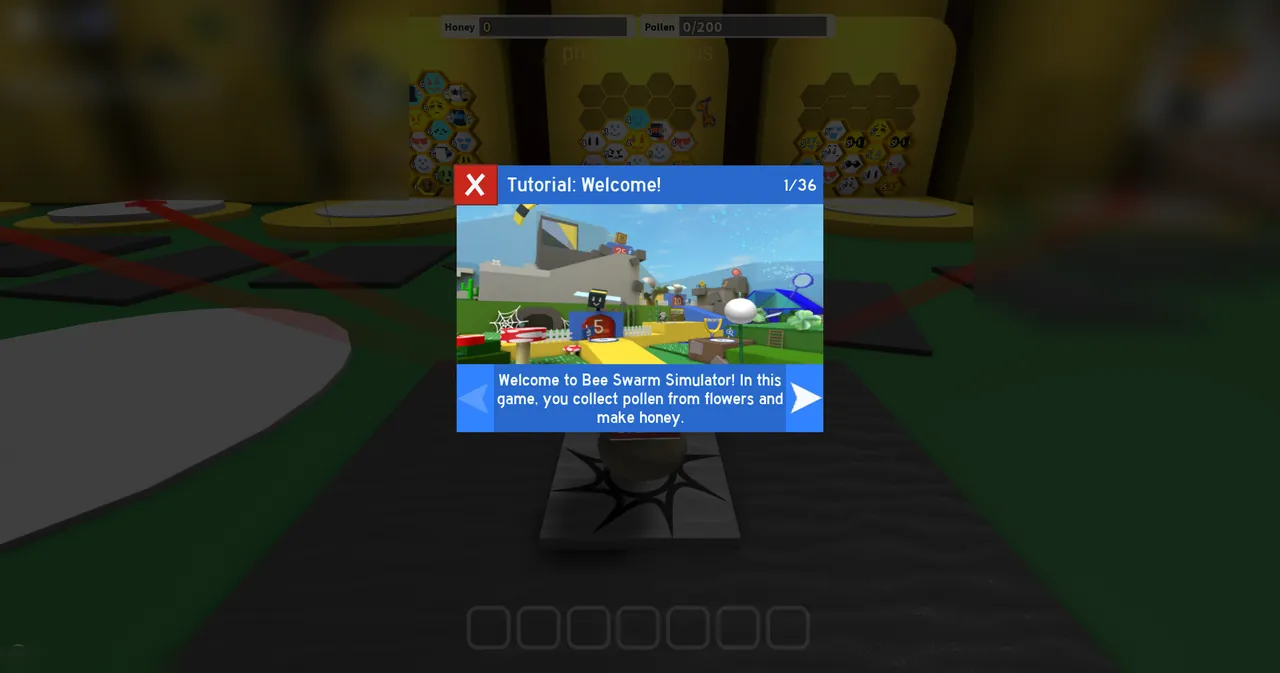
Game images and thumbnails belong to the game developers (Onett).