






In Evade, your job is to run away from nextbots and stay alive until the round ends. A normal round lasts 3 minutes, and you can use items and movement tricks to help you get there. This guide walks you through the basics, one small step at a time.
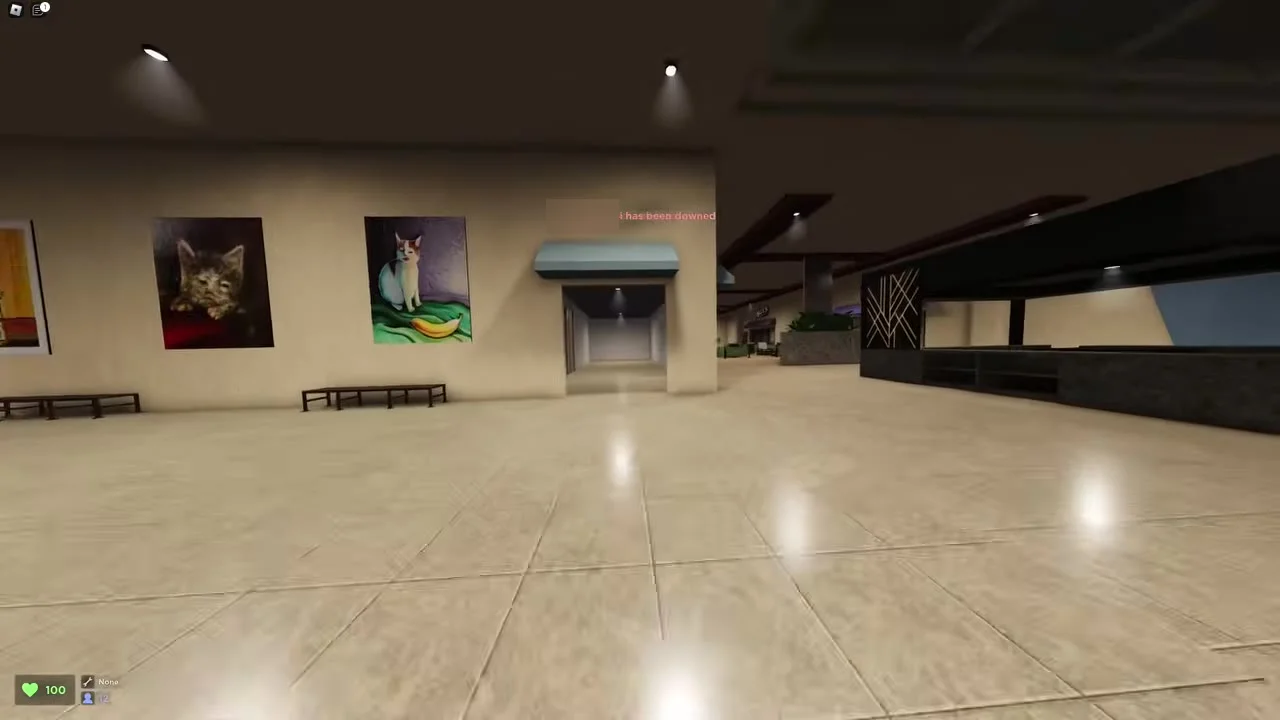
What Evade is about
Evade is a Roblox game. You are chased by strange enemies called nextbots. They want to catch you, and you want to get away from them.
The game is about moving well. You do not need to fight anything. You need to run, turn, slide and jump so that the enemy never touches you.
A round does not go on forever. It lasts 3 minutes. If you are still up when the time is over, you did your job.
You can also win by teaming up. Other players are in the same round as you. Helping them can bring you good rewards, and you will read more about that below.
There is no single right way to play. Some players like to run in open spaces. Others like to stay close to walls. Try a few styles and see what feels good to you.
How to spot a nextbot coming
A good player knows when danger is near. The game gives you clues. You can learn to read them.
Sound, lights and colour
When a nextbot is close, you may hear a sound. It can be loud or quiet. The lights in the area may flicker. Your screen can also turn red, and the red gets stronger as the enemy gets nearer.
One video also says that flickering lights in a lit area mean the enemy is near you or inside that area. That is your signal to run to somewhere safer.
What to do when you see a warning
- Stop what you are doing.
- Look around for the enemy.
- Run away from the flickering area.
- Keep moving until the red colour fades and the lights are steady.
Do not wait to see if it is real. Move early. It is easier to run when you have a head start.
Basic moves for beginners
Movement is the heart of Evade. Learn these simple moves first.
Running and speed
When you walk forward, your speed goes up slowly. It keeps going up until you reach the top running speed. So do not stop and start again and again. Keep going in one direction when you can.
Crouching for a small boost
Press your crouch button while you run, or while you go down a slope. This gives you a small boost in speed. It is a simple trick, and it is worth using often.
Jumping while you run
One video explains that jumping many times while you run gives you an extra push compared with plain running. Players call this bunny hopping. The video says it also helps when you need to get away from a nextbot.
Running along walls
Jump and then run next to a wall. This lets you wall run. The wiki says it may even let you reach places you could not reach before. One video suggests that hugging a wall can make you faster than normal running, and that it is easier in third person, though first person works too.
Opening doors fast
If a door is closed, do not stop and open it by hand. Sprint toward it, then crouch so that you slide into it. The door is knocked open and you keep your speed. The video says this works on most doors, but not on every one. It also says plain walking will not do it.
Controls on PC and mobile
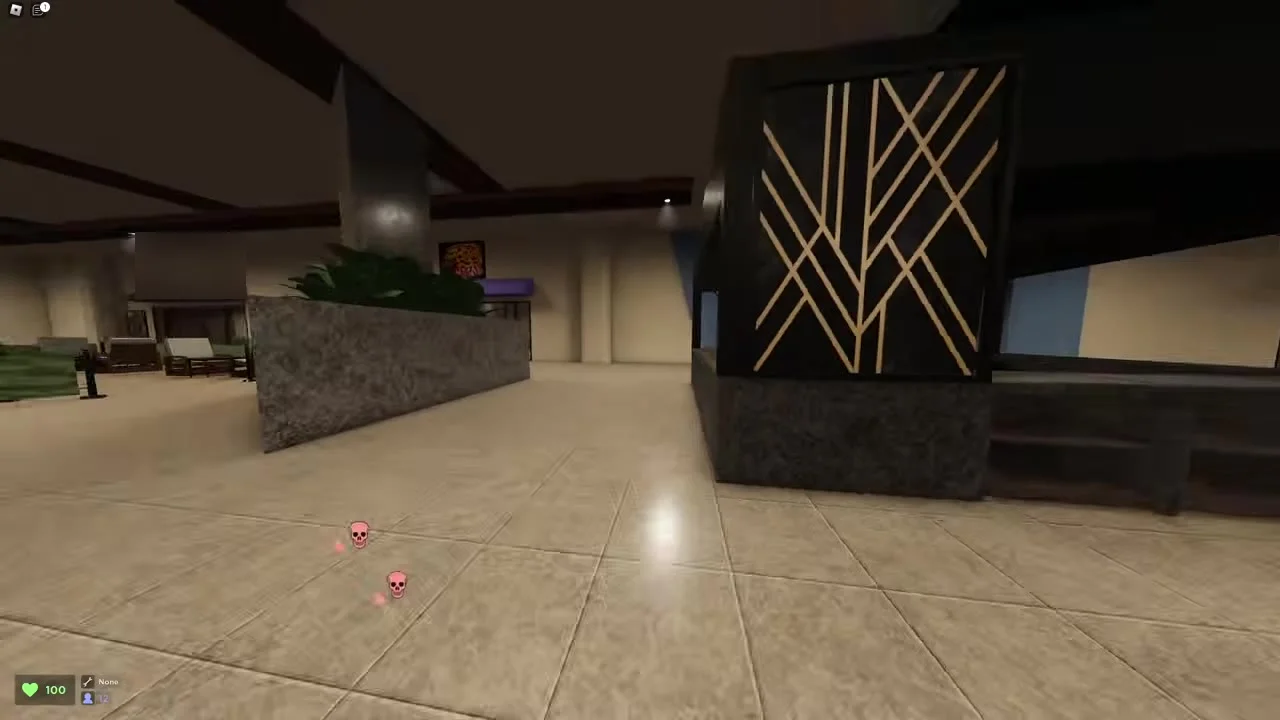
On a computer, you move with the W, A, S and D keys, and jump with the space bar. Use your crouch button when you run or go down a slope to get a small speed boost. If you press it while running, you slide.
The E key lets you interact. You use it for things like doors and for players who are down. You can switch between first and third person view with the O key. The R key turns your view to look behind you.
The T key makes you whistle on a computer. On a phone, you tap a whistle icon instead.
On mobile, the screen has buttons for jump and crouch, and a thumbstick for moving. The wiki also mentions a button that switches your point of view on mobile.
Picking your point of view
You can play in first person or third person. One video says third person gives a wider view. It also says to choose whichever feels best for you. That is good advice for a new player. Try both.
Tricks you can learn next
These moves are a little harder. Take your time. You do not need all of them on day one.
Circling a nextbot
When a nextbot is chasing you, you can run in a circle. One video says this confuses the enemy, so it keeps following you round and round. The same video says you can run in a figure-eight shape if two enemies chase you.
Spider hopping on mobile
A mobile video teaches this skill. You need two walls that are close to one another. Stand against one wall with your thumbstick pointing at it. Press jump. Then point your thumbstick at the other wall. Keep doing this back and forth.
Using a cola
A mobile video says you can drink a cola to run faster. The video calls this step optional. The wiki says you can use as many consumables as you want during a round, and gives cola as one example.
Emote dashing and backsliding on mobile
The mobile video also shows two harder moves. They use your emotes, so you need to put an emote on your wheel first. The video suggests placing emotes in slots that are easy to reach with your thumb.
For the dash, the video says to press jump, then crouch, then your emote. After that, point your thumbstick away from the ramp. When you bounce on a ramp, do not press jump. The video also says to turn your screen the same way as the thumbstick so you keep your speed.
For backsliding, the video says to run up to the ramp you want. Press jump, then crouch. Then press your emote right away, drag the thumbstick back, and let go. You do not need to touch the screen while you go up. At the top, you can start the dash.
The video calls the endless slide the hardest of these on mobile, so leave it for later.
Items that help movement
The wiki says a Speed Pad or a Jump Pad can give you more ways to move. It also says boots like Hermes Shoes raise how quickly you speed up, not your top speed. So they help you get going faster, but they do not raise the limit.
Helping your team
Evade is more fun with friends. Sometimes a player gets knocked down. A good teammate helps them up.
Reviving a friend
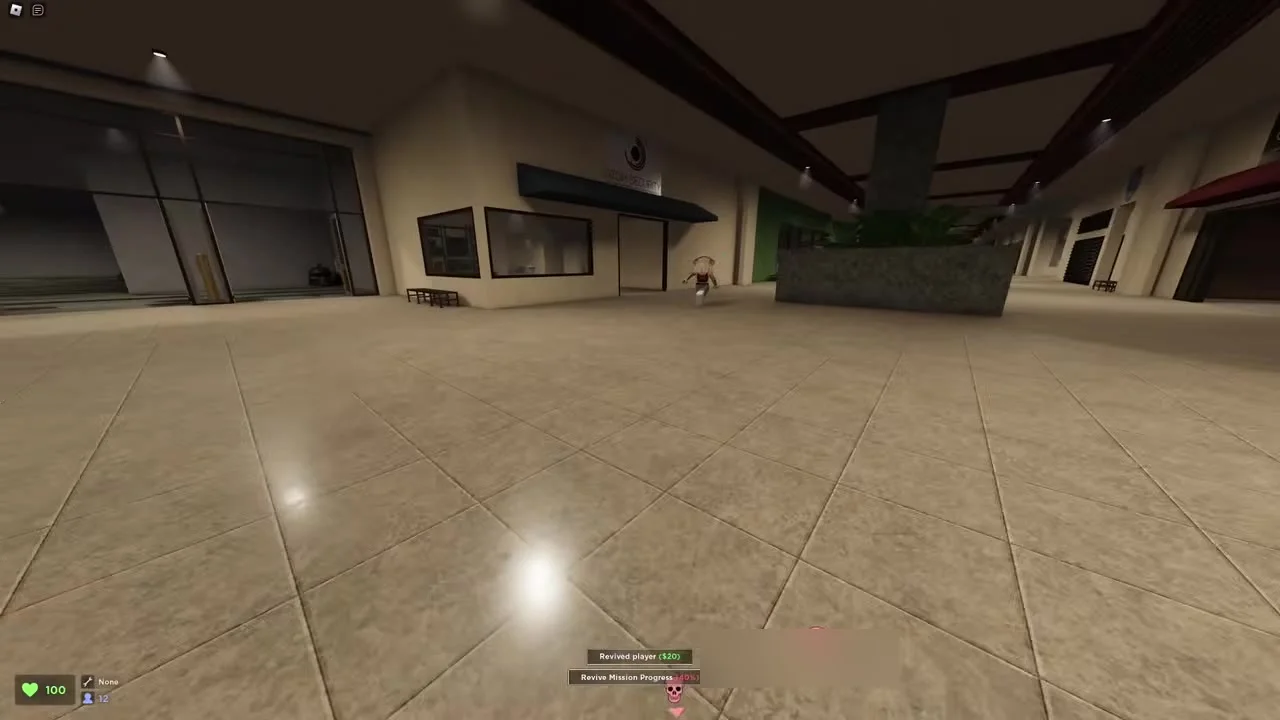
When a player is down, you can revive them. Press the interact key near them. A small bar shows under their name while you help.
Here is a trick from one video. You do not have to fill the bar. If a nextbot is after you, stop when the bar is halfway. Then run to safety. Your friend will still be revived.
- Go to the downed player.
- Start the revive.
- Watch the bar under their name.
- When it is halfway, check for danger.
- Run away if an enemy is close.
The wiki says that reviving other players gives you a nice extra bonus. So helping is good for the team and for you.
Carrying
One video tells players to keep carrying turned on. This lets others pick you up and take you somewhere safer. The video says that turning it off makes things risky for you and your friends. A revive near a nextbot can end badly for your helper.
Rewards, streaks and game modes
You earn rewards by finishing rounds. The wiki says you get less if you are downed during a match. So staying up is a good plan.
If you stay alive over many rounds in a row, you start a streak. The wiki asks how high yours can go. That is a fun goal once you feel comfortable.
Picking a map
Maps come in different levels. The wiki says easy maps are made to feel more relaxed, but they give lower rewards. If you are new, an easy map is a kind place to start.
Picking a mode
The wiki says there is a Casual mode with endless lives. This is an easier way to learn the game. You can practise your moves without worrying about losing.
Shop items
With tokens and experience from finished rounds, you can buy items in the shop. The wiki lists perks that give a steady boost, utilities that last for a few rounds, usables that work once, and lights that help in dark maps. Cosmetic skins do not make you stronger, says the wiki.
Settings that make play easier
A smooth game helps you react fast. A few settings can help.
Field of view
Open the gear icon at the bottom left. There you can find a field of view option. One video suggests setting it to the highest value. That gives you a wider look at what is around you.
Graphics
If your game feels slow, the same video suggests turning off shadows, including character shadows. It also suggests turning on low quality and lowering your graphics a few steps. The video says most maps still show far things at those lower settings.
A simple plan for your first rounds
- Pick an easy map or the Casual mode.
- Keep running forward so your speed builds up.
- Crouch while you run for a small boost.
- Watch the lights and the red screen.
- Slide into closed doors.
- Help a downed friend when it looks safe.
- Run away again before the enemy arrives.
Do not worry if you get caught. Everyone does at first. Each round teaches you something new about the maps and the enemies.
FAQ
What is the goal of Evade?
You run from nextbots and try to stay alive. A normal round lasts 3 minutes.
How do I open doors quickly?
Sprint at the door and then crouch. You slide into it and it opens. One video says this works on most doors, not all.
How do I know a nextbot is near?
Listen for its sound, watch for flickering lights, and look for a red tint on the screen. The tint grows as the enemy gets closer.
Do I have to revive a friend all the way?
One video says no. Get the bar to the halfway point, then run to safety. Your friend will still come back.
Can I play without fear of losing?
The wiki says the Casual mode gives endless lives. That makes it a calm place to practise.
Do skins make me faster?
No. The wiki says cosmetic skins give no benefits.
Do Hermes Shoes raise my top speed?
No. The wiki says they help you speed up faster, but they do not raise your top speed.
What should I change in settings?
One video suggests a wide field of view. It also suggests lowering shadows and graphics if your game runs slowly.