




To redeem Fish It! codes, catch fish until your account reaches Level 10, click the red shopping basket button along the top edge to open the Exclusive Store, scroll down to Redeem Codes, paste a code in all-caps into the ENTER CODE! box, and press REDEEM. Working codes give free Potions that boost luck and mutation chances, along with baits and other rewards.
Level 10 Requirement Before Redeeming
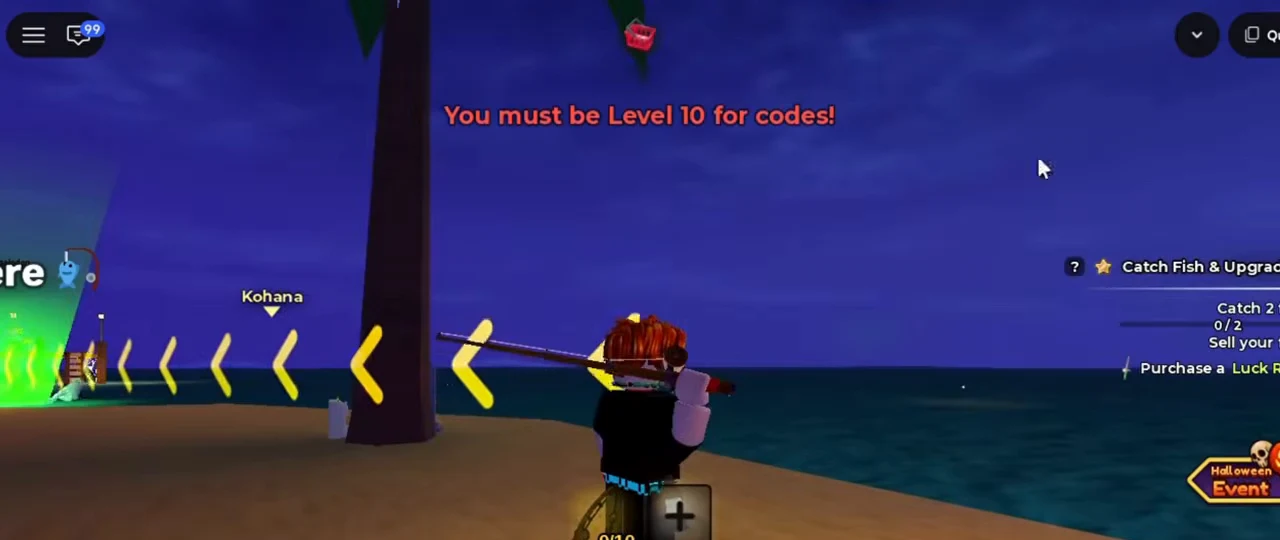
New players cannot redeem codes right after joining a server. After finishing the tutorial, keep fishing and completing quests until you reach Level 10 so the code box accepts your submissions.
You can check your progress anytime by opening the gear button in the top bar and scrolling down to your monthly level. Both GamesRadar+ and IGN also report that some accounts needed Level 11 in testing before codes went through, even though the in-game warning mentions Level 10.
How to Redeem Fish It! Codes
Once your level is high enough, claiming free rewards only takes a few clicks:
- Launch Fish It! on Roblox and load into an active server.
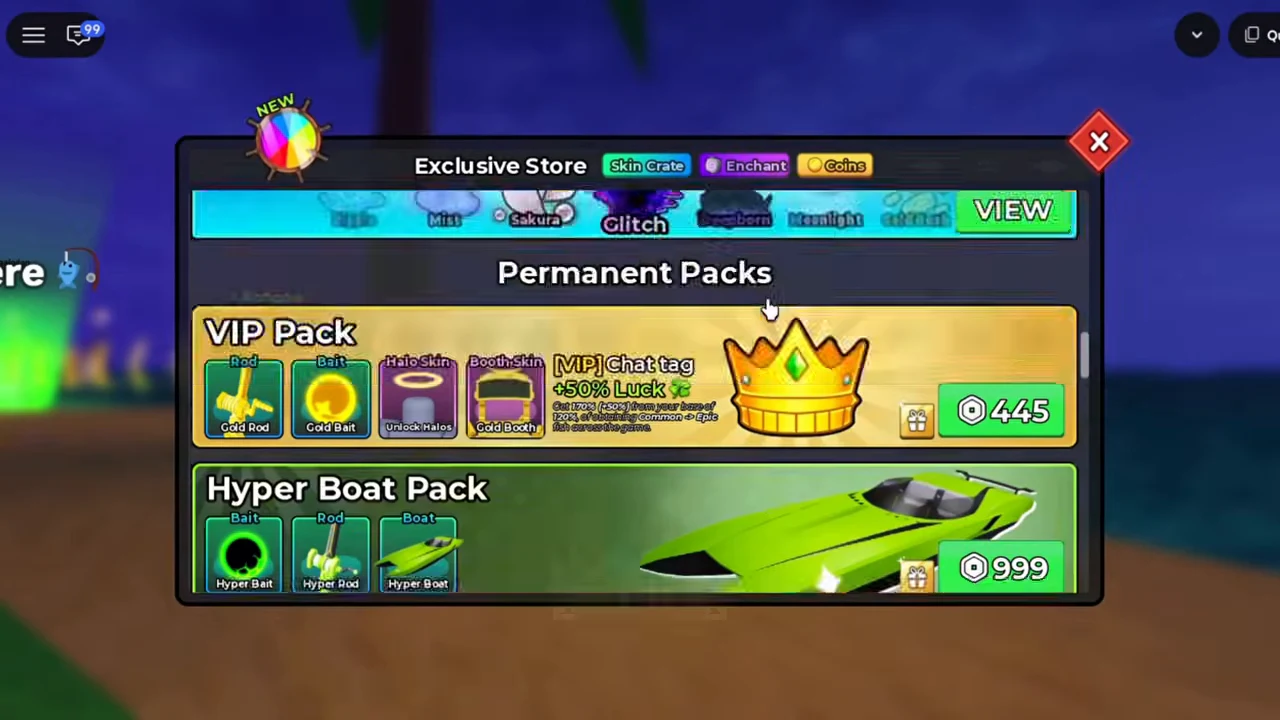
- Select the red Shopping Basket button along the top edge to open the Exclusive Store menu.
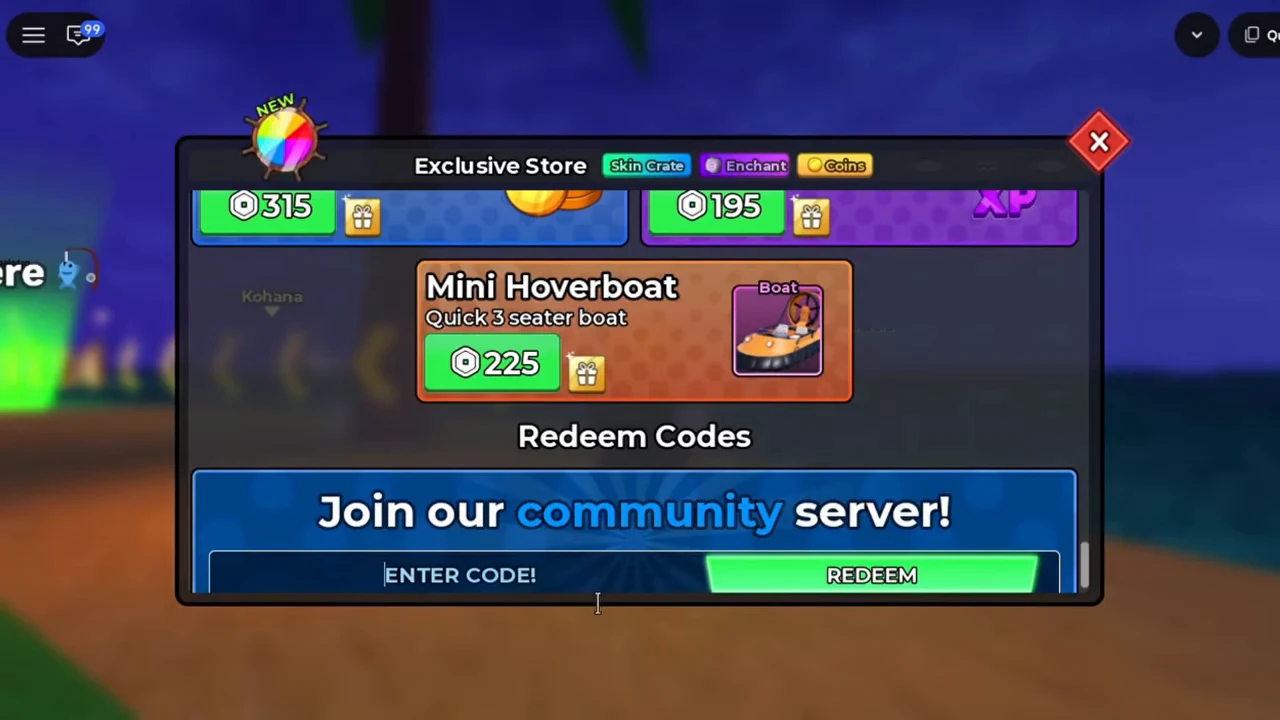
- Scroll to the bottom of the window to find the Redeem Codes section.
- Paste an active code into the ENTER CODE! field and press the REDEEM button or hit enter.
Although the screen asks players to Join our community server!, GamesRadar+ notes that joining is not required to claim codes. Your Potions, baits, and other items are credited to your account right away after a valid entry.
Why a Fish It! Code Might Not Work
Several common issues can trigger an invalid code message even when a code was posted recently:
- Wrong letter casing or extra spaces: Codes are case-sensitive and expect all-caps letters, so lowercase text or a trailing space after pasting will cause an error.
- Unrefreshed game servers: When a new update goes live with fresh codes, older servers may reject them briefly. Wait a short time for servers to refresh before trying again.
Where Developer Fish Atelier Shares New Codes
Fish Atelier usually releases new codes alongside content updates and seasonal holiday events. The official Fish It! Discord server is the main source, where Beebom lists announcements, games-codes, and game-updates as key channels, while Eurogamer recommends checking patch notes directly because the dedicated code channel can fall behind.
Players can also join the Fish Atelier Roblox community group for update news and free group rewards, including an exclusive rod.