
Grow a Garden Codes
Official garden decorations and cosmetic tokens tracked from developer updates. Redeem via the in-game Settings gear menu.
Working Codes (October 2026)
10- RDC Award decoration
- Whispering Torii decoration
- Green Bean Chamber decoration
- Free in-game rewards
- Free in-game rewards
- Free in-game rewards
- Free in-game rewards
- Free in-game rewards
- Free in-game rewards
- Free in-game rewards
How to Redeem Codes in Grow a Garden
- Launch Grow a Garden on Roblox.
- Click the gear icon (Settings) in the top-left corner of the screen.
- Scroll down to the Redeem Codes section in the Settings menu.
- Type or paste your code into the text input area.
- Click Claim to receive your garden decorations.
In-Game Verification Screenshots
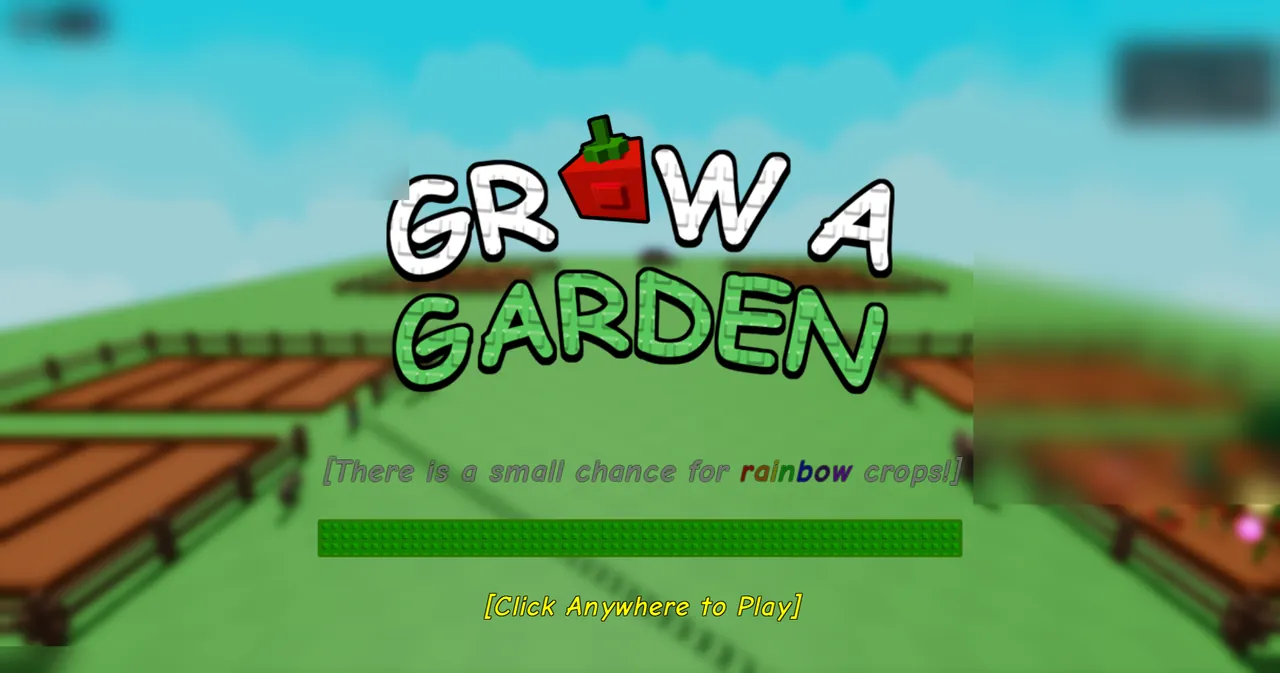
Codes are released and retired by the game developer (The Garden Game). We verify codes against reachable public announcements.