






You earn Cash in Jujutsu Shenanigans by eliminating players in Public or Ranked servers ($5 per main-damage kill), completing Roulette minigames (up to $50 per round), finishing daily ($15) and weekly ($100) quests, petting Kogane daily ($5 up to $15), and redeeming active codes. Emotes cost $250 or 25 Robux each in the Shop menu and equip through your backpack inventory onto the B emote wheel.
Best Ways to Earn Cash
| Source | Payout | Notes |
|---|---|---|
| Public or Ranked kills | $5 per kill | Requires dealing the highest damage before defeat |
| Roulette minigames | Up to $50 per round | Paid by total points earned, not raw kills |
| Daily quests | $15 each ($45 daily max) | Max $45 daily |
| Weekly quests | $100 each ($300 weekly max) | Max $300 weekly |
| Petting Kogane | $5 to $15 daily | Grows by $1 each consecutive day |
| Promo codes | Varies | Claimed inside the Shop Codes tab |
Public Servers on the Shinjuku map support up to 20 players per server and provide the highest kill potential. If you prefer lower pressure than open free-for-all PvP, queue Roulette minigames like First to Twelve or Sorcery Clash for reliable point-based Cash every round.
Buying Emotes and Other Shop Items
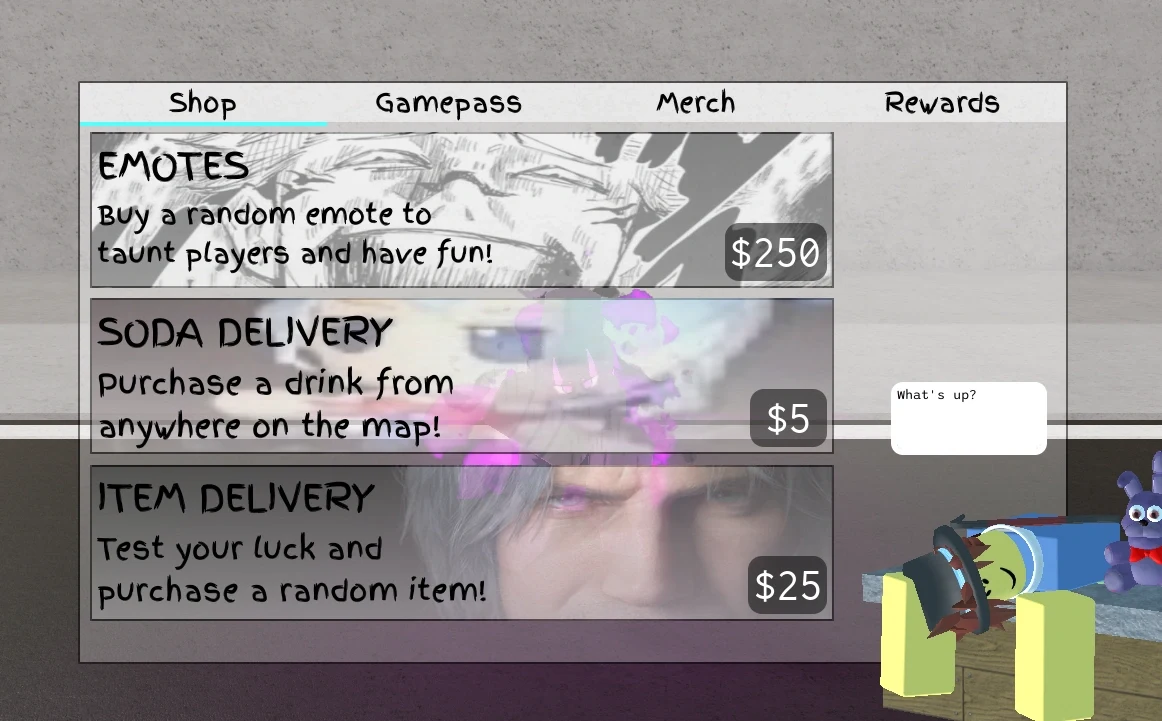
Press the storefront Shop icon on the top-left bar to open four sections: Shop, Gamepasses, Merch, and Gifting. Inside the Shop tab, you can spend Cash on:
- Emotes ($250 or 25 Robux): Grants a random unexclusive emote, with 5x and 10x multi-buy options. Buying 10 at once lets you hand-pick the 10th emote from the unexclusive pool (or save your choice with Pick Later).
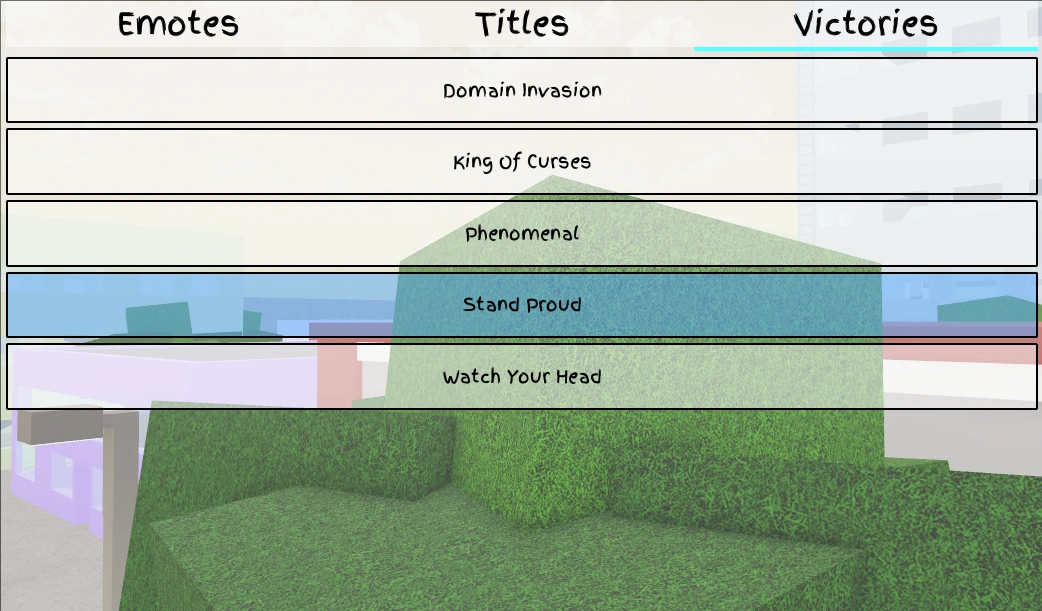
- Victory Flashes ($1000): Brief celebration animations triggered upon winning a Duel or Roulette match, equipped under the Victories tab.
Emote Categories and How to Equip Them
The game features 413 purchasable emotes plus 42 exclusive emotes unlocked through events, secrets, or codes. They span seven styles: Stationary, Cosmetic, Traversal, Partner (duo and group interactions), Kill, Interactive, and Limited.
- Open the Backpack icon in the top-left bar to view your Emotes inventory.
- Click an open slot on the right side, then select any unlocked emote on the left to assign it.
- Press B on PC (or tap the dancing person icon) to open the emote wheel and trigger an animation.
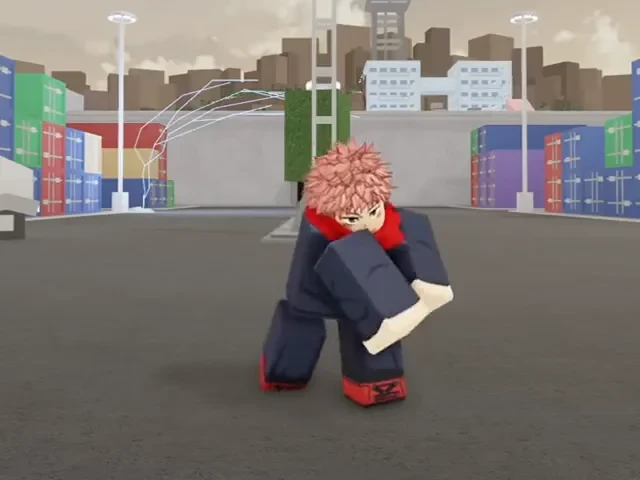
You can cancel most emotes immediately by jumping, blocking, attacking with M1, or taking damage. Players who want extra room on the wheel can buy the More Emote Slots gamepass (expanding slots from 4 to 8) or +1 Emote Page passes. To claim free Cash or limited emotes, open the Shop menu, switch to the Codes tab, type a working code into the box, and press Redeem.