My Avatar! Codes
Tracked list of active and expired promo codes sourced directly from public announcements.
Working Codes (October 2026)
1- 50 Points
Expired Codes (1)
- 100POINTS 100 Points
How to Redeem Codes in My Avatar!
- Open My Avatar on Roblox.
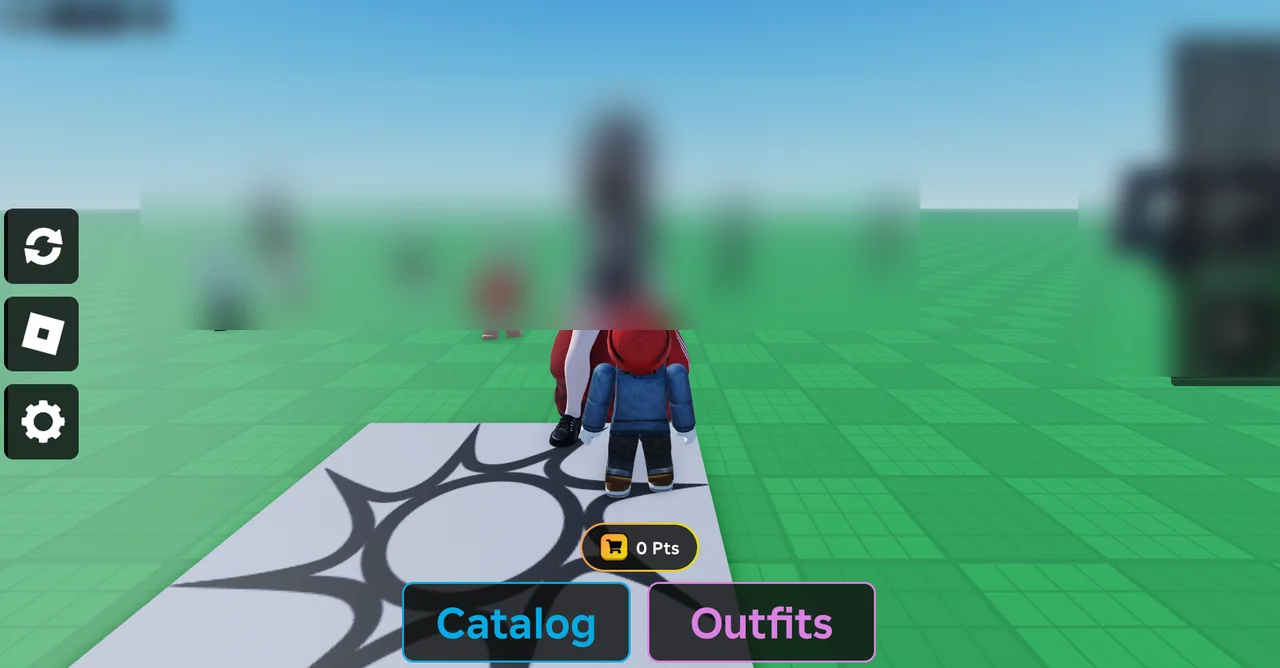
- Press the Pts button above Catalog and Outfits.
- Click Buy Points in the bottom-right corner of the menu.
- Scroll down to the bottom of the Buy Points menu to find the Codes section.
- Type a code into the text box and press Enter.
In-Game Verification Screenshots
Codes and experience assets belong to their developers (THINK DIFFERENT.).