



How to Redeem Codes in +1 Venom Evolution
Step-by-step guides with screenshots showing where to find the code button and how to claim rewards.
Try It Now
Working Codes (4) 2x Venom, 2x Wins, Mega Chest, 1 Revive
2x Venom, 2x Wins (30 min), 1 Revive
2x Venom and a Mega Chest
How to Redeem Codes in +1 Venom Evolution
Tip: Tap any active code above to copy it to your clipboard before following the steps below.
- 1
Step 1
Launch +1 Venom Evolution on Roblox and find the Menu button on the top-right of the screen.
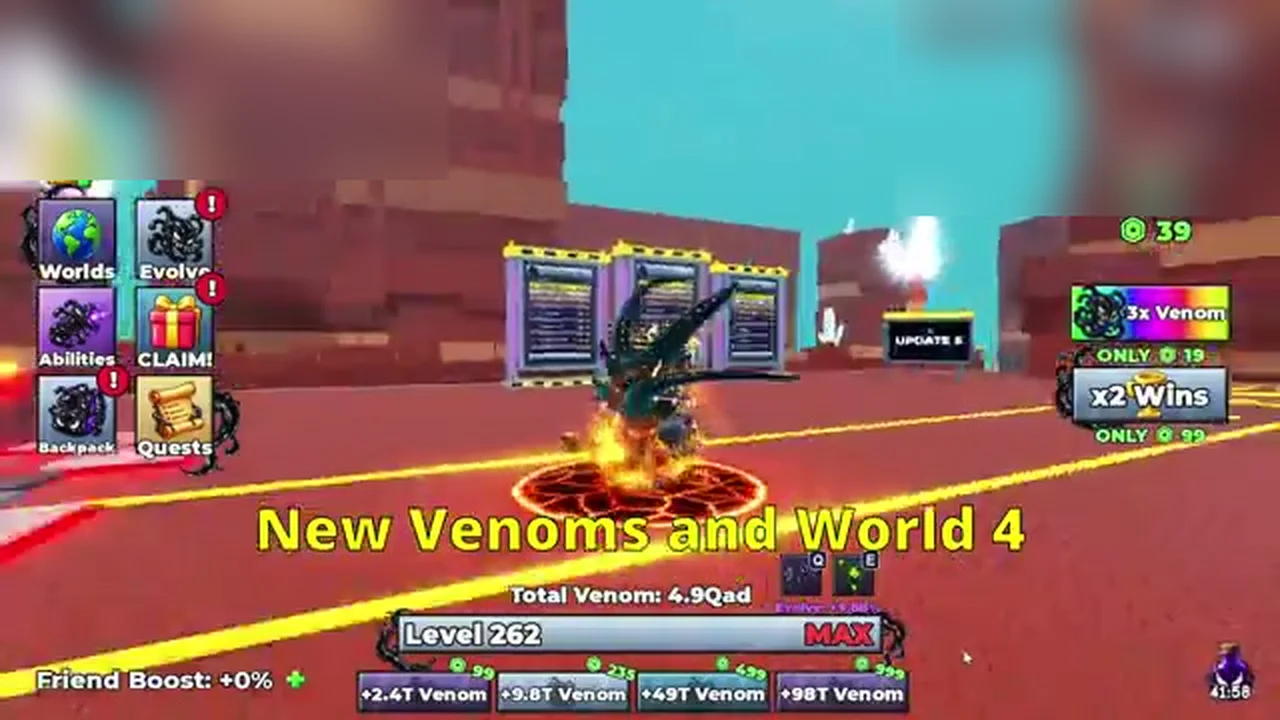
Game interface displaying player stats, Worlds menu, and navigation options. - 2
Step 2
Click the Codes tab inside the Menu to display the code redemption window.
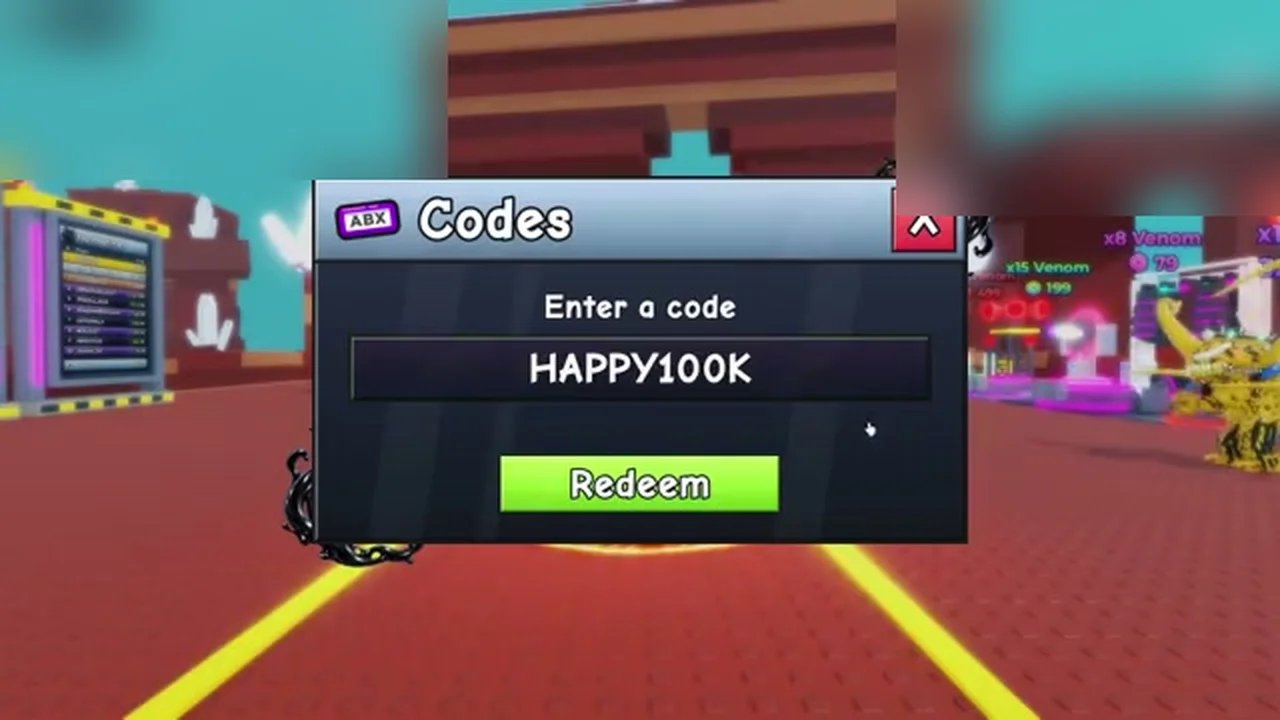
Codes modal open displaying the code input box and green Redeem button. - 3
Step 3
Enter your active code into the text field and click Redeem to receive venom boosts and chests.
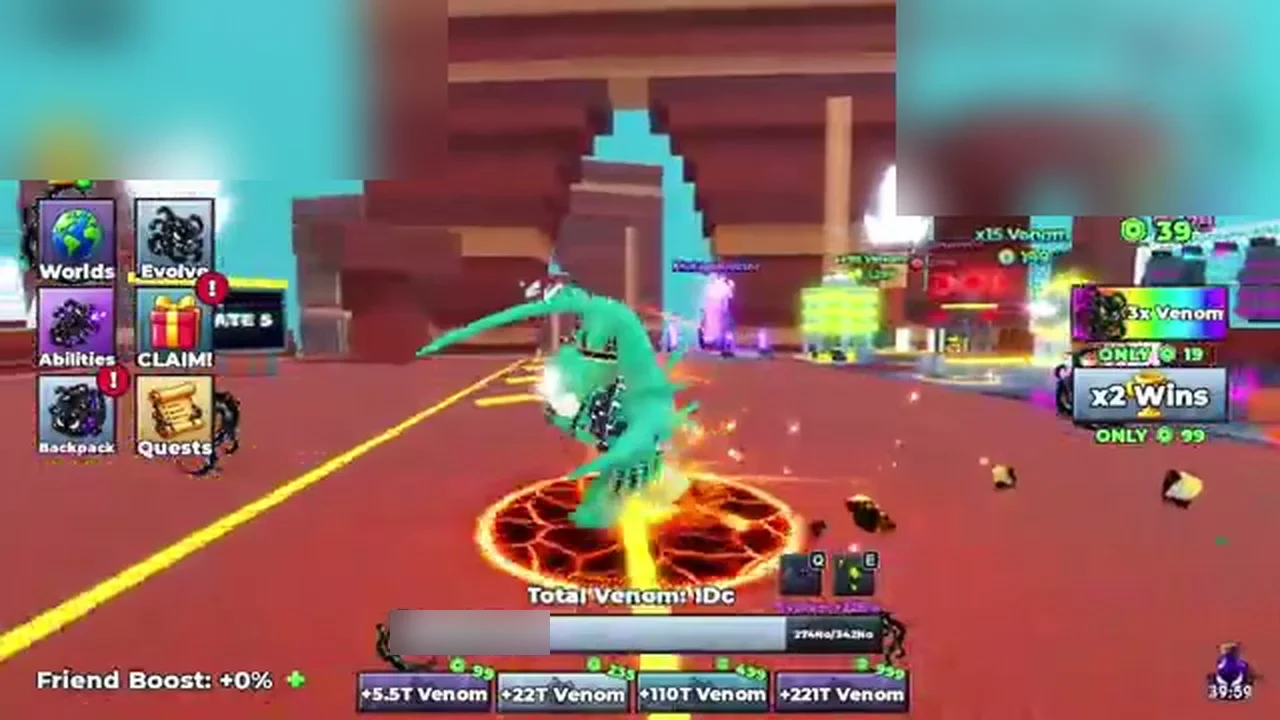
Main game view displaying claimed venom boosts and updated player statistics.
Code Not Working?
- Enter the code exactly as shown (most games are case-sensitive).
- The code may have expired or reached its maximum redemption limit.
- If a code was just announced with an update, rejoin a newer server.