








To play Ragdoll Soccer, learn the keys first, practice in a calm mode, then pass, tackle and shoot with your team. Good choices matter more than hitting the ball hard.
Learn the basic controls
You walk with the W, A, S, D keys or the arrow keys. Space makes you jump. Hold shift to run fast.
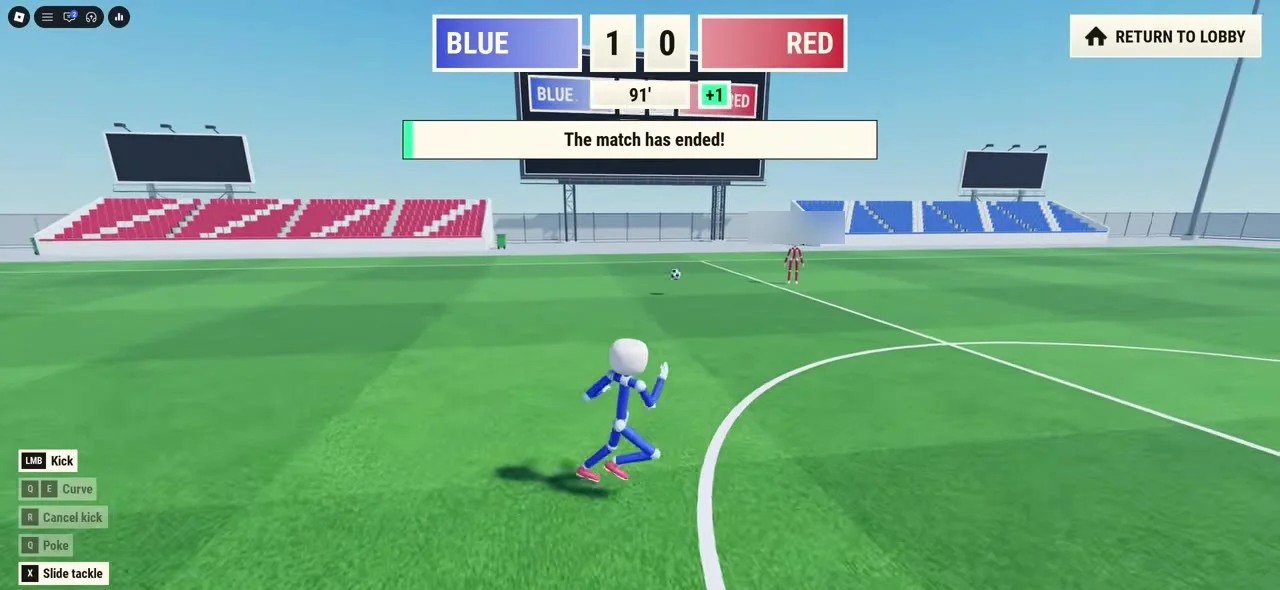
The game has no stamina bar. You can sprint as long as you like, so chase the ball without worry.
To shoot, hold the shoot button. The longer you hold, the more power you get. Then aim with your cursor to pick where the ball flies.
If you want a teammate to send you the ball, press G.
Tackle and dribble
When the other team has the ball, press Q for a regular tackle. One video says this is the first move to learn.
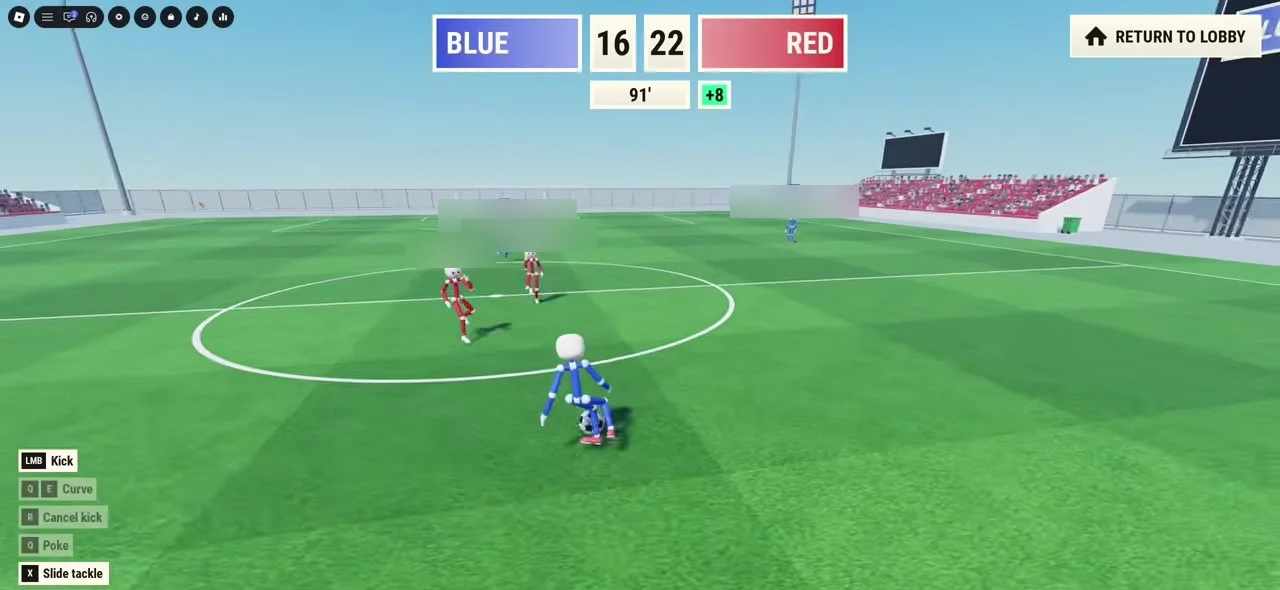
The X key does two jobs. Without the ball, it is a slide tackle. With the ball, it is a skill move that pushes the ball forward. Do not mix them up.
Always check which kick type you picked before you shoot. A lob when you wanted a normal shot can send the ball the wrong way.
Pick a game mode
- Start in Practice Mode to work on shooting and curving.
- Move to Quick Play for fast matches with up to four players per team.
- Try Pro Servers later, once you feel sure of the controls.
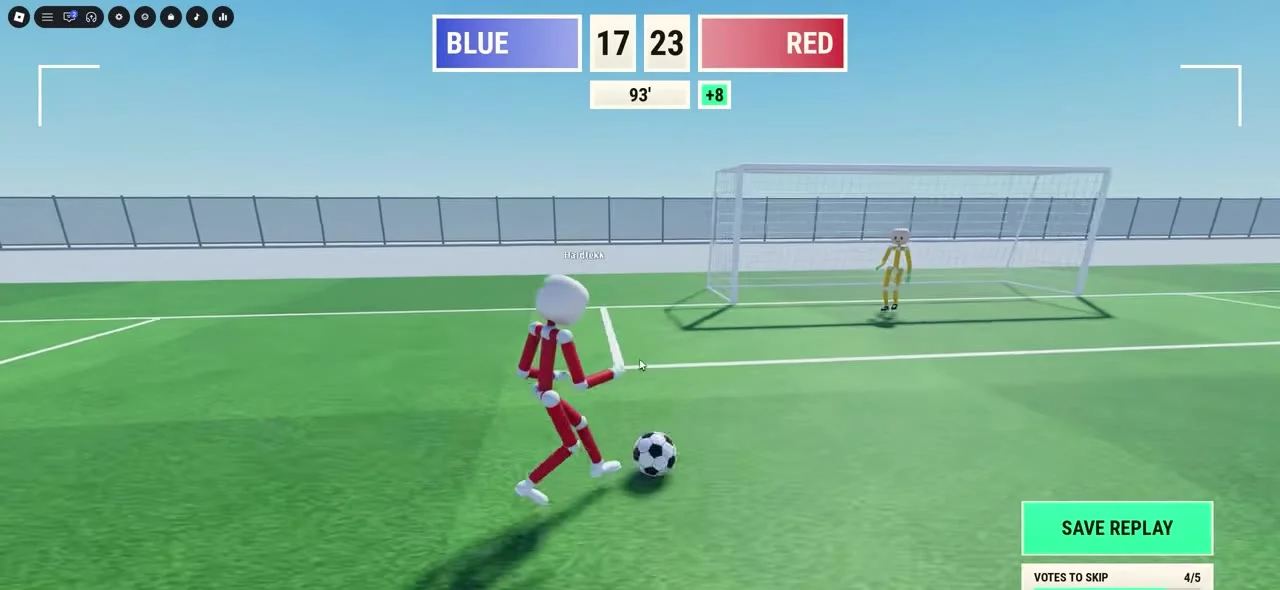
Practice Mode has no computer opponents getting in your way. That makes it a calm place to fix your aim and timing.
Play as a team
Do not let everyone chase the same ball. If a teammate is attacking, one video says it can be smart to stay back and guard your goal.
Pass before defenders surround you. A good pass can beat a hard shot from a bad spot.
Earn coins
Visit the daily quests board in the lobby. Each quest gives a reward. Playing matches also earns coins, so regular play helps your balance grow.