
To play The Strongest Battlegrounds as a beginner, turn on shift lock, hold the attack button to chain punches, learn the dashes (side dash first), block with F, and stick with one character while you learn what each move does. This guide walks through each part in simple steps.
Get your settings ready
Good settings make fights much easier. Do this before your first match.
One video says shift lock is a very important feature. It keeps your mouse pointer fixed. That means you can turn your view around without holding down the left mouse button. The same video says the game is hard to play well without it.
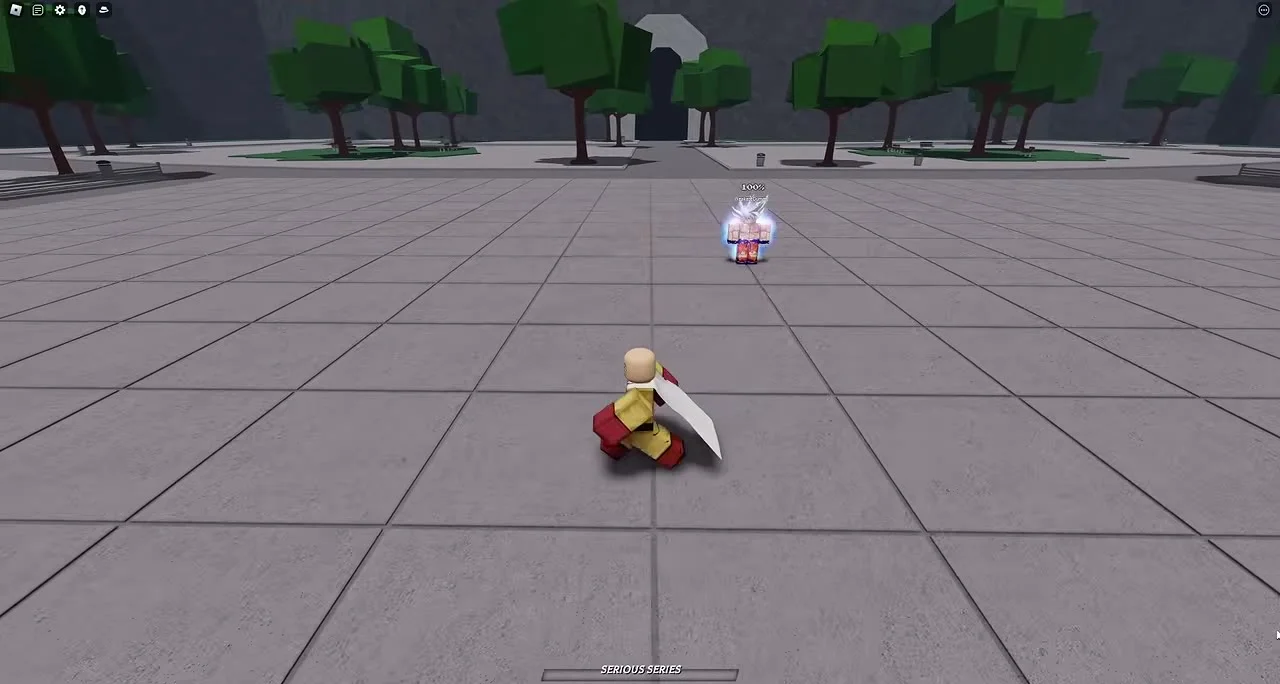
Here is how to switch it on:
- To dash, press Q while moving the way you want to go.
- Open the settings.
- Turn shift lock on.
- Find out what each ability does, and then you'll understand the right way and the right moment to pull it off.
The same video also tells new players that shift lock keeps your cursor in place so you can look around without holding left click. It suggests two options.
- Auto moves. With this on, you press a move key only one time. You do not need to equip the move and then click.
- Reduced screen shake. The video says this helps when other players spam a move that shakes your screen.
That video also says you can change your moveset from the top left of the screen.
Learn the basic punches
The simplest attack is the regular punch chain. Another video shows how to do it. Face an enemy who is close to you and hold down the mouse button. On a phone, you hold the punch button instead. The chain hits several times in a row, and the video says it can hit up to four times.
These punches are often called M1s. You use them to start, extend and end combos. Here are the three basic ways to use them, as shown in the videos.
The plain chain
Hold the attack button while you face the enemy. This is the easiest one. Be careful with it, though. One video says that when all four punches land in a row, the enemy ragdolls. It also says you are stunned for about half a second afterward. So the video suggests you avoid finishing the whole chain unless you have a move ready to hit them while they are down. Some moves will not work on an enemy who has been knocked down.
The uppercut chain
Hold the attack button and hold jump at the same time. The last hit turns into an uppercut. One video says you can use this to set up bigger combos. On a phone, hold both the punch button and the jump button.
The slam chain
Hold the attack button for the first three hits. Then tap jump and attack again. The result is a slam. One video says this is another good setup for harder combos. Another video describes the same idea in its own way: a jump on the fourth hit gives a drop-kick or ground-pound style attack.
That second video also gives a tip about where to begin a combo. It says to start with three punches, or three punches and a small uppercut. Which one you pick depends on the move you plan to use next.
Use dashes the smart way
Dashes help you move around the fight. You can use them to get past enemies, to dodge attacks, or just to travel faster. One video explains that you press Q, or the dash button on a phone, while you move in the direction you want to go.
There are three kinds of dash.
Forward dash
This one takes you quickly to the enemy. One video says it is not a good choice to start a combo. After you use it, there is a short gap of about half a second. During that gap, other players can hit you freely. Another video adds that the forward dash is the only dash with a one-hit stun attack. That video calls it useful for starting and extending combos. But it warns that dashing in with no plan is a common mistake. The enemy can often block and then counter you. Its fix is to put a side dash in before the forward dash. The video says this works for the player most of the time.
Side dash
To side dash, hold the left or right movement key and press Q. One video calls this the strongest dash choice. It does not have the short gap that the forward dash has. It also comes back faster than the forward dash. The video says it is also the most flexible dash for harder combos.
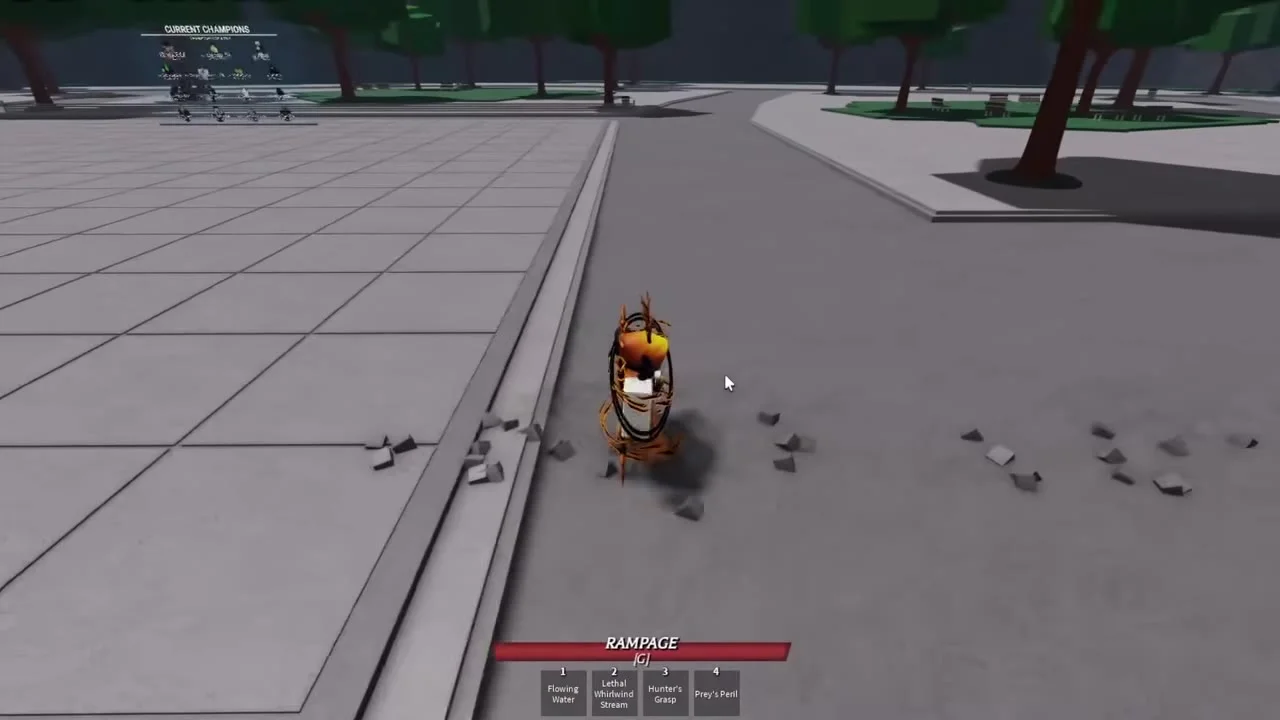
Another video agrees that side dashing matters a lot. It says you can side dash toward an enemy whether that enemy is blocking or not. It is a great way to begin a combo. That video also gives a practice idea: go into a private server and work on a training dummy until you can do it well.
Back dash
This dash covers the longest distance of the three. One video says it is mostly for escaping attacks that cover a wide area, such as ultimates. The same video also says you can use small back dashes to make space between you and your enemy. It also mentions jumping from side to side as a simple movement trick.
Counter dashing
Side dashing is already popular with strong players. So there is a way to answer it. When you see the enemy dash, you dash toward the place they are heading. One video says this should leave you behind them. From there you can begin a combo.
Block and use ragdoll cancel well
Blocking is done with the F key. One video gives two warnings about it. First, some moves can break through a block. Second, your back is open while you block. Enemies may run around you with a forward dash or by walking. So keep your eyes on where your enemy is.
A different video says that good blocking comes from guessing what the enemy will do next. It also says not to hold block all the time. If you do, the enemy can hit you and get a combo more easily.
Ragdoll cancel is another skill. When you are knocked into a ragdoll state, you can cancel it. One video says to be careful with timing. If you use it at the wrong moment, you waste it. Then you can be comboed until it comes back. The video says to save it for when you know the enemy will keep combing you.
There is also a trick called a ragdoll counter. One video says you cancel the ragdoll, but you do it toward the enemy. That lets you start a combo of your own.
Pick one character and learn it
One video says there are four characters in total, and each has its own strengths and weaknesses. A wiki page names more characters in its menu, so the list may be longer now. The names you will see include The Strongest Hero, Hero Hunter, Destructive Cyborg and Deadly Ninja. Use the in-game list as your guide.
Here is the most useful advice from one video: choose one character first. Do not keep switching in the hope that it makes you better, because it will not. Learn one character fully, then try the next. That video suggests two beginner picks: Garou and Saitama.
The Strongest Hero
This is the character based on Saitama. A wiki page says it has three combo extenders that are easy to use, which many other characters do not have. The page also says it is a good character for new players. Its ultimate bar also fills at double speed compared with others.
Its four main moves are listed in the videos as the Normal Punch, the Consecutive Punches (also called a barrage), the Shove and the Uppercut. One video says the Normal Punch has two uses. From far away it does a little damage and knockback. Up close it does a lot of damage and sends the enemy flying. Another video says the Consecutive Punches are good for keeping a combo going. It calls the Shove and the Uppercut finishing moves.
Hero Hunter
This is the character based on Garou. A wiki page says this character is very easy to chain combos with, so it is a good pick. It says that makes it good for new players and skilled players alike. The page also says its last M1 hit launches the enemy higher than other characters do.
The moves are Flowing Water, Lethal Whirlwind Stream, Hunter's Grasp and Prey's Peril. One video says Flowing Water and Lethal Whirlwind Stream hit hard and fit into many combos. It says Hunter's Grasp helps you keep a combo going by cancelling the ragdoll. It says Prey's Peril can stop an enemy and let you hit back. The wiki adds that this character heals when it defeats someone. With Flowing Water, Lethal Whirlwind Stream or Prey's Peril, the page says you get back about a third of your health.
Destructive Cyborg
One video says this character has Machine Gun Blows, which work like the Consecutive Punches of the first hero. It also has Ignition Burst, which the video describes as a dash with a knockback attack.
Use your ultimate
Every character has an ultimate. One video explains that when the bar is full, tapping G turns it on. When the bar is full, press G.
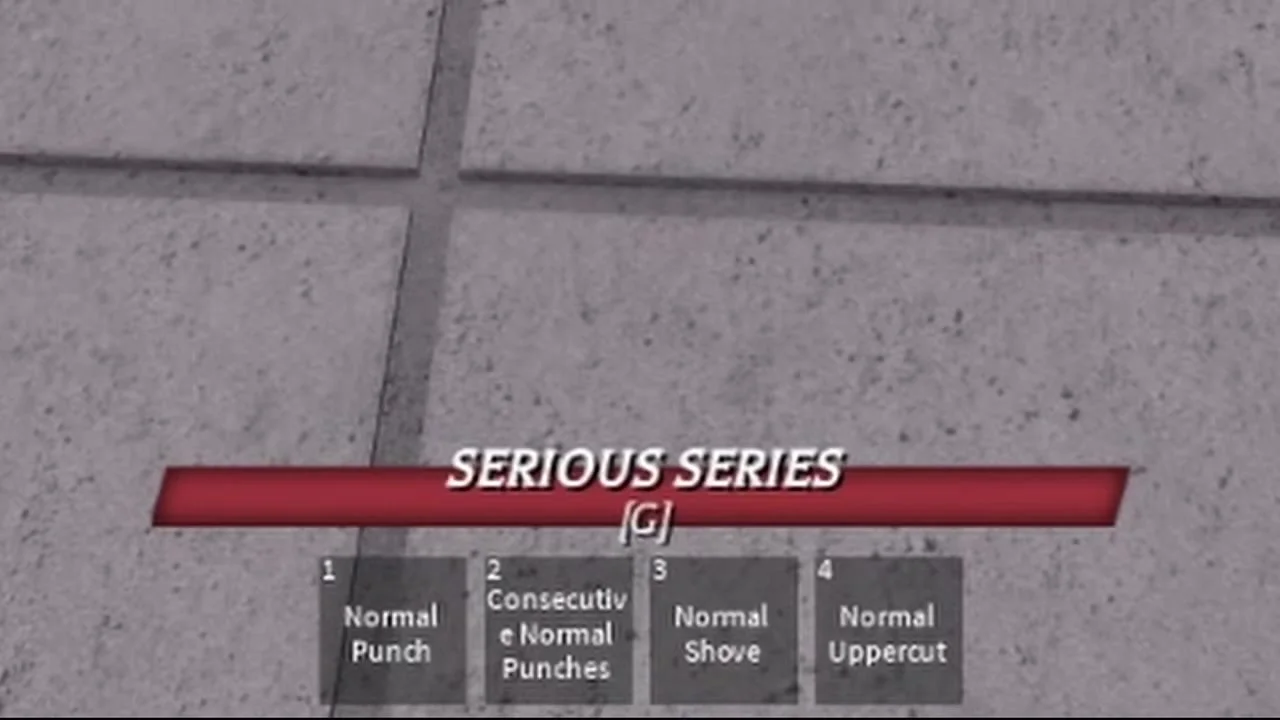
The same video says the first hero has two ultimate choices: Death Counter and Table Flip. A wiki page describes Death Counter as a counter that lasts for ten seconds. If it works, you appear behind the person who hit you, and a special scene plays. The video describes Table Flip as a move that hits an area, and it says anyone in the blast can be left on very low health or defeated.
The wiki page also says that the Serious Mode ultimate stops your health from coming back until it ends.
Habits that help you improve
These ideas come from a video of tips for players who want to get better quickly.
- Play more. You get used to how everything works over time.
- Learn what every ability does. Then you know how and when to use each one.
- Start with simple combos. Move to harder ones when you feel ready with your character.
- Watch your enemy. If you see them repeat a habit, act on it. The video gives an example of holding block because the enemy was about to use a barrage. Taking advantage of a mistake like this is called punishing.
- Track their moves. Each time the enemy uses an ability, it goes on cooldown. The video says this is especially helpful against projectiles.
- Check your own cooldowns too. The video says they can open up new chances for a combo.
One more tip comes from a different video. It suggests that you do not dash at the enemy with no plan. Mix in your side dash first.
FAQ
Which button do I press to dash?
Press Q, or the dash button on a phone, while you move in the direction you want to go.
Which dash should I learn first?
One video calls the side dash the best dash. It has no short gap after use, and it comes back faster than the forward dash. Another video also says it is very important for becoming a pro.
Which character is good for beginners?
One video suggests Garou and Saitama. A wiki page also says the Saitama character and the Hero Hunter are good for new players, because they are easy to combo with.
How do I block?
Press F. Remember that some moves break a block, and your back is open while you block.
How do I use my ultimate?
Wait until the red bar above your moves is full. Then press G.
Should I switch characters often?
No. One video says switching does not make you better. Pick one, learn it well, and then move on to the next.