


Brookhaven RP has no rigid missions or fixed storyline, so new players can start by customizing an avatar, claiming a house on an empty lot, picking a job, and spawning a vehicle to explore the town. On a computer, walk around using arrow keys or W, A, S, and D, steer the camera with the mouse, and check the top-left corner for the chat window alongside the in-game clock and weekday.
Customize Your Avatar and Profile
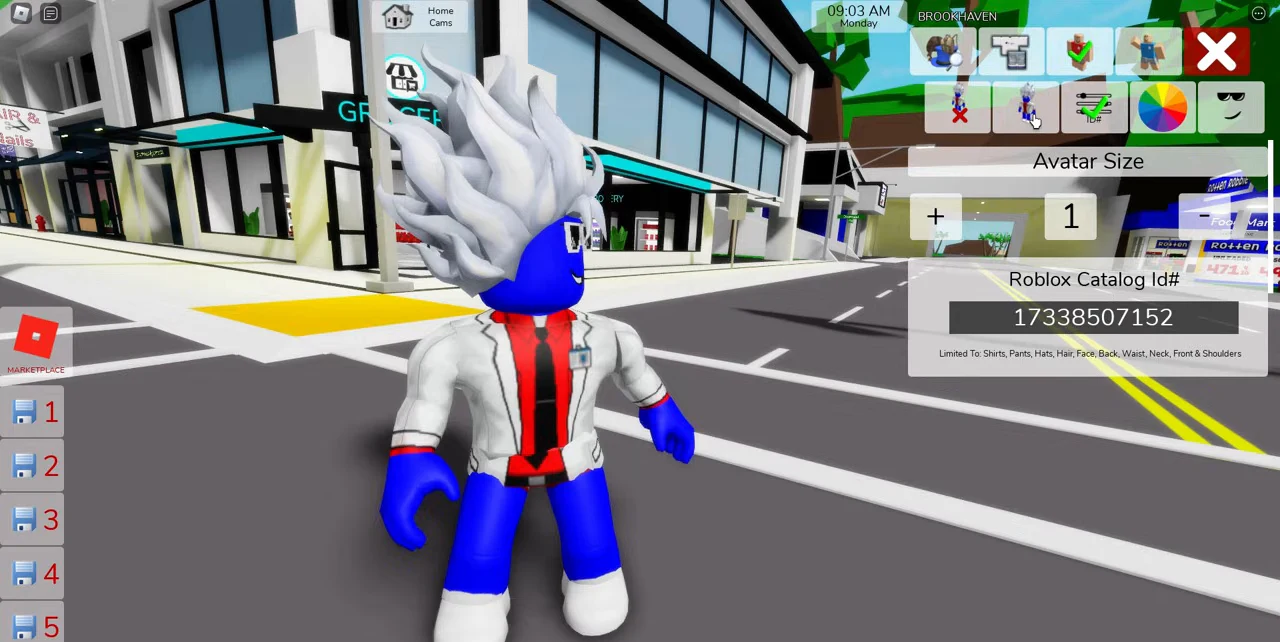
Open the avatar menu along the right edge to change outfits, hairstyles, and accessories, since most items in the list cost nothing. You can also set a roleplay name and short bio directly inside the Avatar tab so other players know who you are playing. To equip specific items from the Roblox Marketplace, paste an item number into the catalog ID box, then save up to 21 character looks in your profile slots for quick switching later.
Claim a House and Lock Your Doors
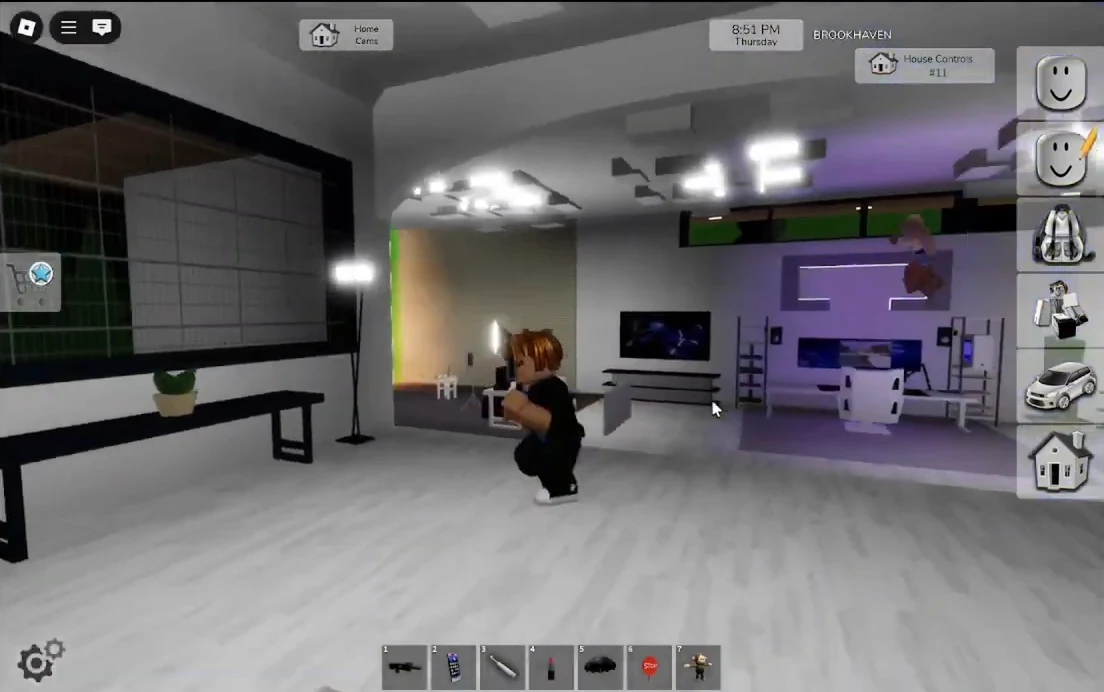
Once your character is ready, click the Home Cams icon near the top or the house button to browse vacant lots and pick a starter home. Most houses are free to spawn, while bigger estates and special mansions require game passes. Open the backpack menu to arrange furniture and props indoors, and remember to close every door before pressing the lock button because every house contains a safe inside.
Pick a Role and Explore Key Landmarks
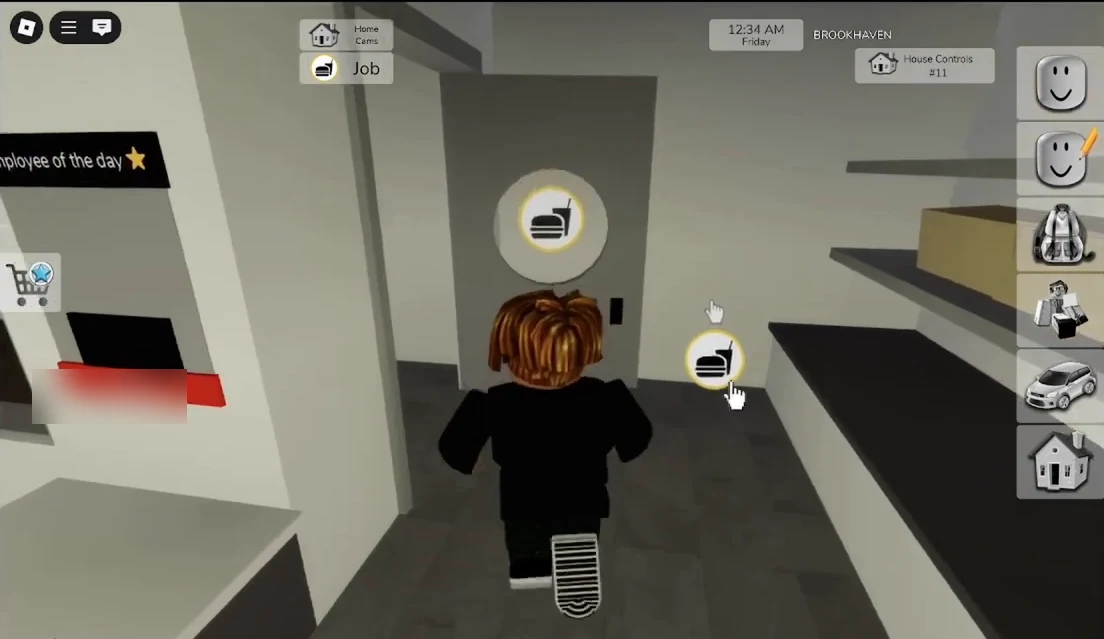
Jobs give your session direction and equip your character with themed gear such as a fire extinguisher for firefighters or medical kits for doctors. Open the avatar menu and tap the briefcase icon to pick a role like police officer or teacher, or visit locations such as the burger shop and click the interactive job button in the back. Beyond main landmarks like St. Luke's Hospital, Brookhaven School, and Brookhaven Bank, keep an eye out for secret rooms, underground tunnels, and hidden caves.
Spawn Vehicles and Roleplay With Others
Walking across the island takes time, so open the vehicle button on the right panel to spawn skateboards, scooters, bikes, or cars. Many rides are free, though faster options and boats require passes, and boats only spawn on water rather than on land. You can also lock your vehicle so other players cannot drive away in your car. When you meet people around town, use the chat box to introduce yourself, stay in character, and avoid disrupting other players' scenes.