







To get a house in Brookhaven RP, click the Home Cams button at the top of your screen or open the house tab, pick a vacant residential plot, and select a home style from the list to spawn it. Once your house appears, you can customize its exterior color and sign, manage locks, curtains, and cameras, and decorate rooms with furniture and props from your backpack menu.
Claiming an Empty Plot and Spawning a Home
Community guides note more than 30 residential plots across Brookhaven Island, including 31 active spots out of 37 total plots. To reach an open lot quickly, tap the Home Cams icon near the top of the screen, or click the house icon and use the binoculars button to browse plots.
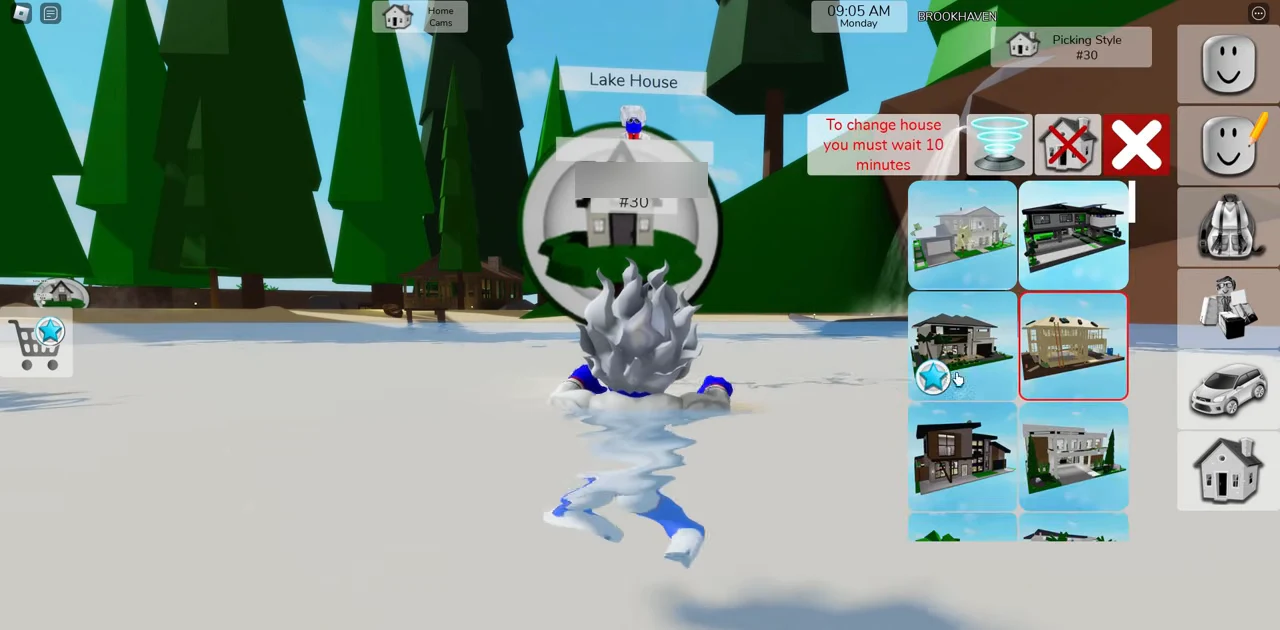
Once you arrive at an empty lot, choose a house design on the right. Scroll down through the catalog until you see the layout you want, then click its thumbnail to load the building onto your plot.
Free Houses vs. Game Pass Options
Most homes in Brookhaven RP are free to spawn, letting new players try cottages and classic builds without spending Robux. In a beginner walkthrough on YouTube, regular houses numbered 11 through 24 include both free homes and premium options.
Larger estates, special Lakeside or Hidden Valley plots, and select luxury builds require Robux game passes or premium access. For example, an update showcase highlights a three-story Art Deco mansion with a cinema, game lounge, and glass block stair tower as a premium option alongside a free classic home.
Managing House Controls and Security
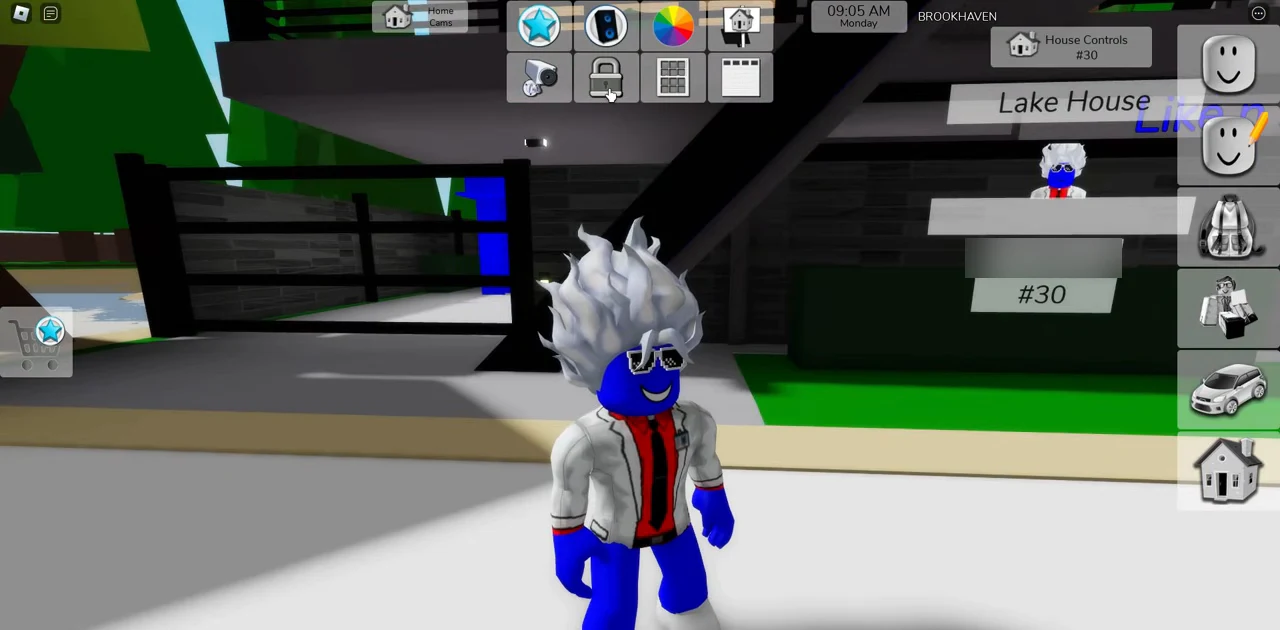
You can lock your house once doors are shut, close the curtains for privacy, and open or close the garage door. You can repaint your house, write a custom house sign, play music, toggle a pool on supported builds if you own premium, and switch through security cameras covering the front door, living room, kitchen, bathroom, bedrooms, and safe.
Decorating Interiors and Exploring Secrets
To furnish the inside of your house, open the backpack icon and check the props and furniture categories. You can place sofas, beds, kitchen items, pictures, plants, and lighting inside rooms, then sit on couches or turn on the TV while roleplaying.
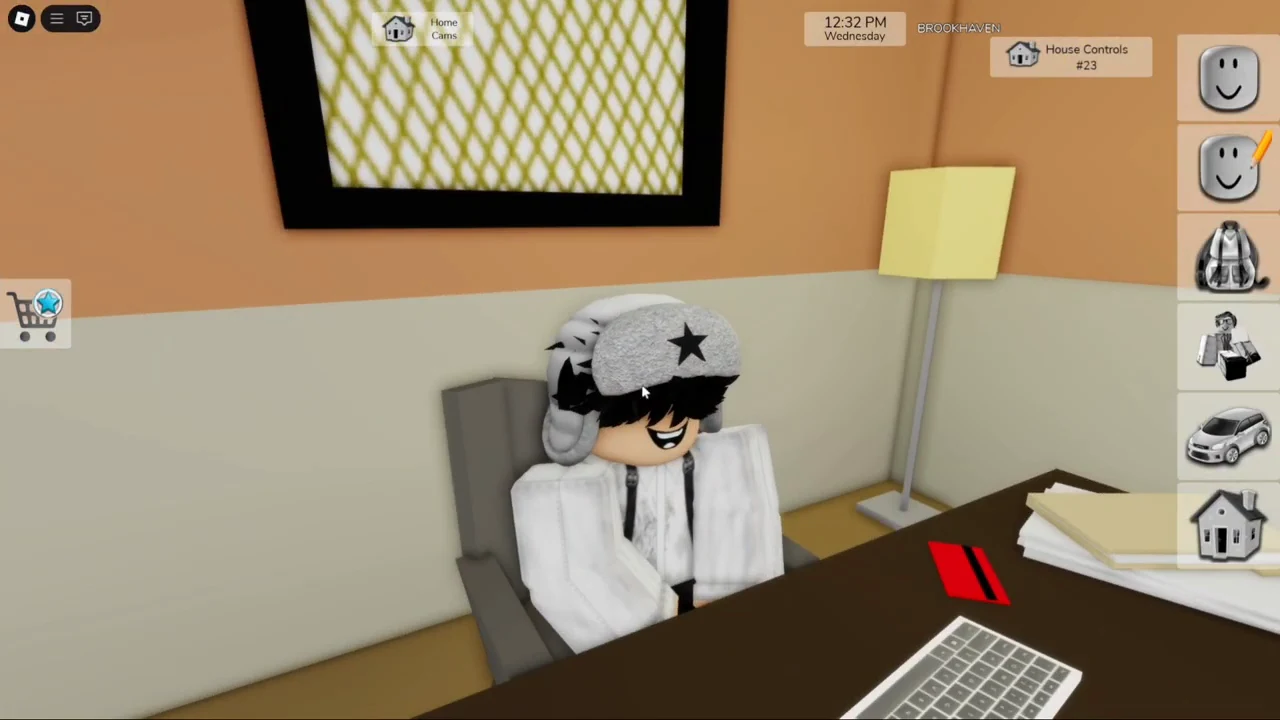
Many houses conceal secret passages or rooms behind mirrors, closets, fireplaces, or underground areas, giving you extra spots to explore once you move in.