



RIVALS is a fast-paced Roblox first-person shooter by Nosniy Games built around duels from 1v1 to 5v5, where the winning squad is whichever reaches 5 points first. Unlike shooters that lock power behind purchases, RIVALS relies on movement, aim, and positioning: a player holding the starting Handgun can defeat someone carrying an expensive weapon through pure skill. This guide walks through every step of starting out, tuning your settings, mastering the default loadout, earning Keys through Tasks and Contracts, protecting win streaks, and unlocking Ranked play.
Getting Started in the Lobby and Shooting Range
When you spawn into the main lobby, you will not queue from a traditional menu. Instead, floor plates called duel pads handle matchmaking automatically. Walk onto any open pad and wait until at least two players stand on it, which triggers a three-second countdown into a match.
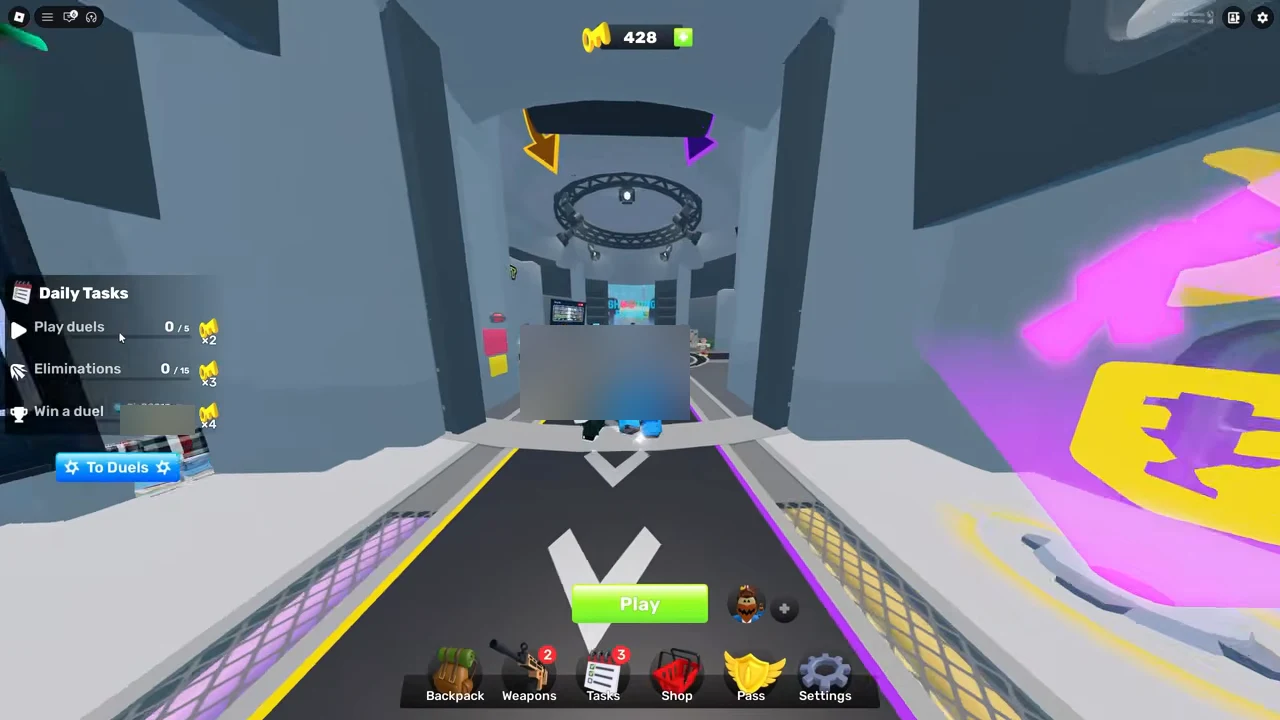
The lobby separates duel sizes by pad color:
- Green Pads (1v1): Face a single opponent directly to practice one-on-one fights.
- Blue Pads (2v2): Team up with one partner against another duo.
- Red Pads (5v5): Larger squad matches featuring heavy crossfires and rapid shifts across the arena.
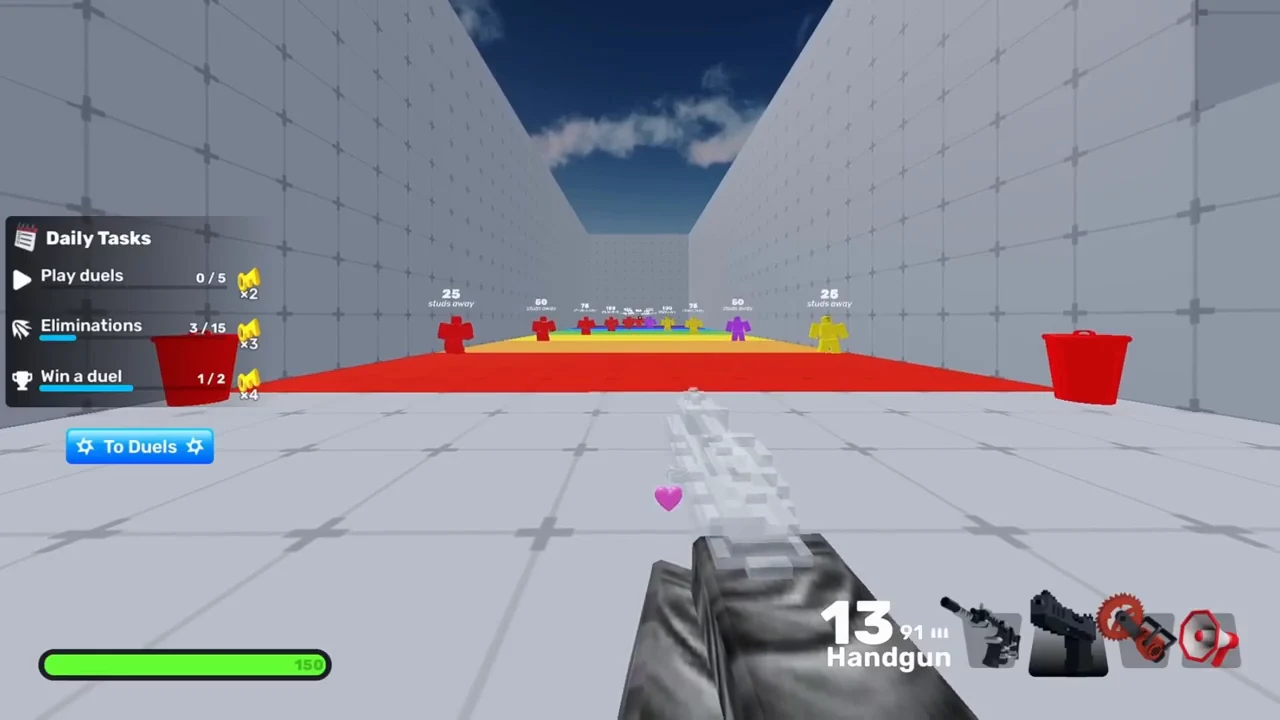
RIVALS runs across PC, phones, tablets, Xbox, and PlayStation 5. Before stepping onto a pad, head into the Shooting Range first. Weapons in RIVALS have a slight floating feel compared to traditional Roblox shooters, and the range gives you targets and NPCs to practice tracking while moving. Even better, you can test any locked weapon for free inside the range by pressing Q on PC while inspecting it in the Weapons menu.
Essential Settings Before Your First Match
Default settings create avoidable friction. Adjust these options in the Settings menu before queuing:
- Auto Sprint (ON): Eliminates holding a sprint button so you always move at full pace.
- Easy Slide (ON): Lets you initiate smooth arena slides with a single input tap.
- Weapon Picker List Mode and Signals (ON): One beginner guide on MuMuPlayer recommends enabling both alongside Easy Slide.
- Field of View (FOV): Set the FOV slider between 90 and 110 so your peripheral view tracks targets cleanly.
- Camera Zoom Effects (0): Lowering this slider removes heavy zoom distortion and screen-shake during intense duels.
- Crosshair Architecture: Choose a Static crosshair with Outline enabled, then pick a bright color that contrasts strongly against the environment and player silhouettes.
Understanding Weapon Slots and the Default Loadout
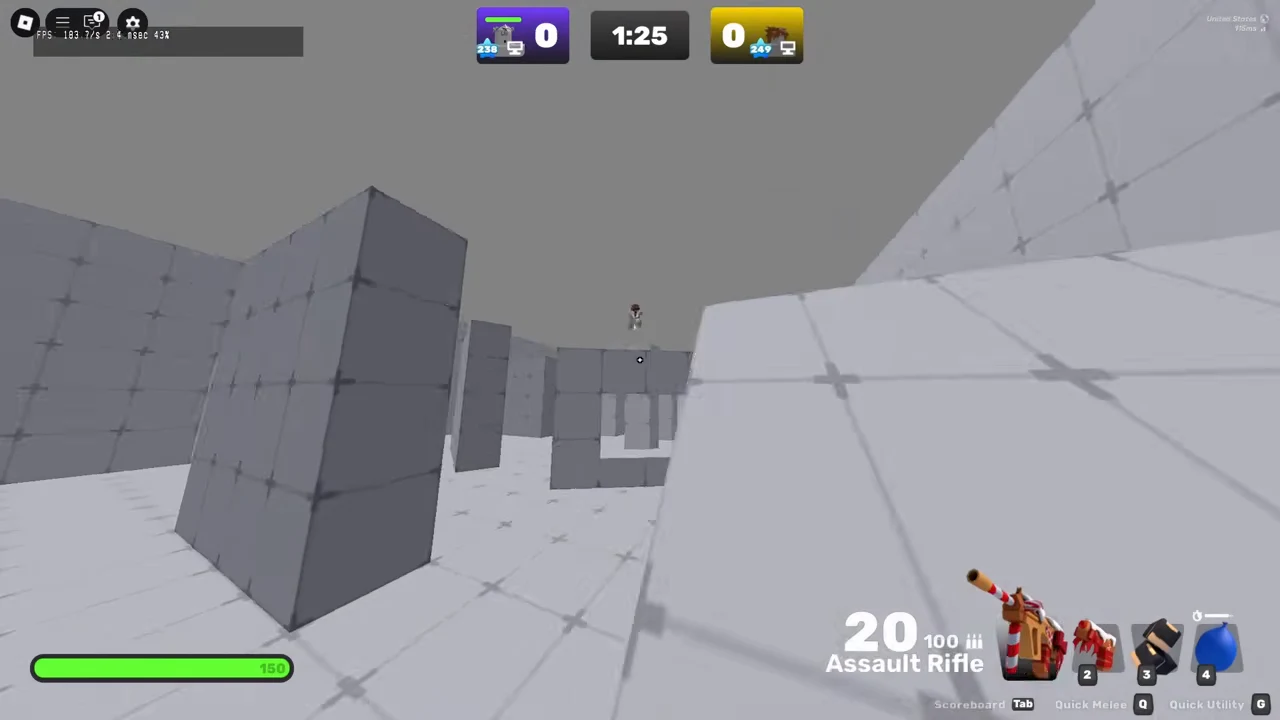
Every player carries four items into a duel: a Primary, a Secondary, a Melee, and a Utility slot. Weapons are grouped into three rarity tiers—Standard, Prime, and Contraband—with Contraband items coming only from Crates. Every weapon also features a unique secondary ability triggered by right-clicking, governed by a cooldown.
You do not need to spend Keys to win early matches. Your free starting kit—Assault Rifle, Handgun, Fists, and Grenade—covers every distance cleanly:
- Assault Rifle (Primary): A dependable all-range generalist with predictable vertical behavior and strong headshot potential, viable from your first match into high-level duels.
- Handgun (Secondary): A backup sidearm to draw the instant your rifle magazine empties instead of reloading in the open.
- Fists (Melee): Grants brisk movement speed and lets you reposition smoothly between shots.
- Grenade (Utility): Can be thrown to hit opponents or launch you across the map without self-damage.
When you are ready to unlock affordable Standard upgrades, one economy guide recommends grabbing duel staples such as Shorty, Revolver, Wildcat, and Katana first before saving 75 Keys for the Sniper. Standard tools cost 5 to 75 Keys, whereas Prime weapons cost 200 to 550 Keys and Contraband weapons sit at 600 to 700 Keys.
Core Movement and Duel Habits
Standing still or walking in straight lines makes you an easy target. Building strong movement habits immediately raises your survival rate in every mode:
- Slide-jumping: Press slide and jump together at the end of a slide to carry burst momentum across open lanes while lowering your profile.
- Bunny hopping: Chain repeated jumps to keep sprint speed high while moving.
- Strafing while aiming: Move side to side during gunfights rather than planting your feet so opponents struggle to keep their crosshair on you.
- Explosive repositioning: Explosions from a Grenade or RPG propel you away from the blast without hurting your own health bar, letting you reach high ground or escape bad angles.
- Reload canceling: Watch your ammo counter during a reload; as soon as the bullet count refills before the animation finishes, swap to your secondary and swap back to skip the leftover animation.
- Audio and cover: Use directional sound cues to anticipate flanks, peek from behind cover, and prioritize elevated platforms whenever possible.
Earning Keys via Tasks, Contracts, and Codes
Keys are the primary free currency used to unlock new weapons, buy Wrap Boxes, Charm Capsules, and Finisher Packs, refresh the Daily Shop, and recover lost win streaks. Four free sources feed your balance steadily:
| Key Source | Reward rate | Reset or Limit |
|---|---|---|
| Beginner Tasks | 18 Keys total across nine starter steps | Once per account |
| Daily Tasks | 6 Keys per day (1 + 2 + 3) | Resets every day |
| Prize Wheels | 4 or 10 Keys on 55% of spins | Up to 5 spins weekly via Daily Tasks |
| Weapon Contracts | 1 Key for 5 kills + 1 Key for 5 min playtime | Once per weapon tier one |
New accounts can knock out all nine Beginner Tasks in roughly ten minutes: head into the Shooting Range, shatter 5 targets, and slide (1 Key per step); equip a Scythe in the range, dash with it, and toss a Grenade (2 Keys per step); and enter a duel, score 5 eliminations, and claim a win (3 Keys per step). Remember that you can equip the Scythe inside the Shooting Range for free without spending 40 Keys first.
Once Daily Tasks unlock, you receive three daily goals: 1 Key for playing 5 duels, 2 Keys for reaching 15 eliminations, and 3 Keys for winning 2 duels. Update 22 replaced the old task streak penalty with a permanent reward track that awards up to 5 Prize Wheels per week as you finish dailies. After clearing your dailies, repeatable Bonus Tasks open up—1 Key for 12 duels played, 2 Keys for 40 eliminations, and 3 Keys for 12 duel wins—allowing extra progress during longer sessions.
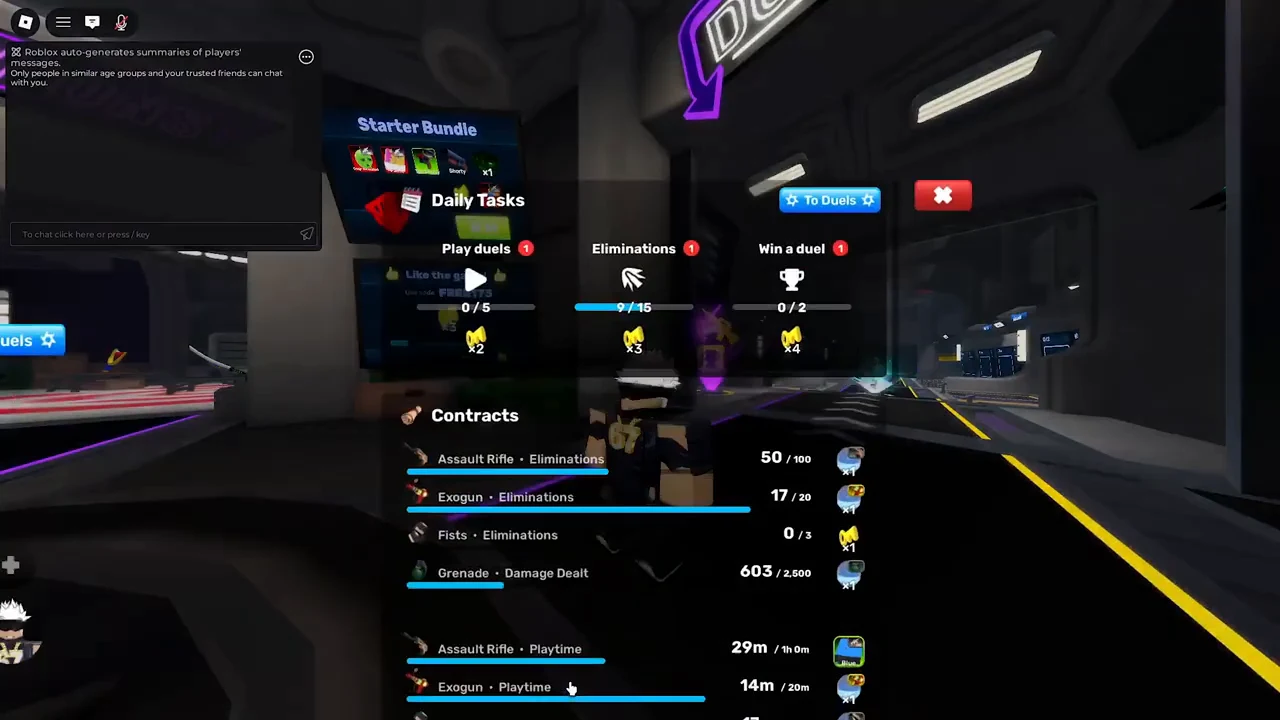
Every weapon also carries Contracts for eliminations and playtime. Clearing the first elimination milestone (5 eliminations on guns, or 3 on melee) and playing 5 minutes with a newly unlocked weapon grants 2 quick Keys per weapon before later tiers shift toward Charm Capsules, Wrap Boxes, and mastery wraps.
You can also pick up extra Keys and wraps by redeeming active promo codes. Open the in-game Shop, head to the rewards or codes section, and make sure you follow the developers first before submitting any code from the live list below:
Win Streaks, Arcade Modes, and Ranked Play
A win streak counts consecutive match victories. If you lose a streak, you do not lose it permanently right away—you can pay Keys to restore it, though the cost scales with each recovery on that same streak:
- First recovery: 5 Keys
- Second recovery: 10 Keys
- Third recovery: 20 Keys
- Fourth recovery: 40 Keys
- Fifth recovery: 80 Keys
- Sixth recovery and beyond: 100 Keys each
A 24-hour countdown to recover a lost streak begins only after you play another streak-eligible gamemode. If you want relaxed practice or fast eliminations, arcade servers keep Free For All, Gun Game, and Team Deathmatch open continuously alongside a rotating gamemode that changes every 24 hours. Eliminations, matches, and wins inside FFA, TDM, and Gun Game still advance your Daily Tasks.
To enter Ranked mode (available in 1v1, 2v2, and 3v3 formats), your account must satisfy five requirements: reach Level 100, finish 10 standard duels, hold a Roblox account 14 days old or older, complete 30 tasks, and complete account verification (via email, Robux purchase, or ID check). Ten placement matches determine your starting rank across eight tiers starting at Bronze, Silver, Gold, and Platinum, then climbing through Diamond, Onyx, Nemesis, and top-200 Archnemesis. Ranked disables third-person view, restricts auto-shoot to Dynamic mode, caps loadout swaps at two per duel, and lets teams ban one map and two weapons. Players below Platinum I receive one non-stackable ELO Shield per day to block one loss, and Ranked matches award Glory points for exclusive Glory Shop skins.
Finally, never experiment with cheat tools, auto-aim software, glitch abuse, or unfair Roblox FFlags. RIVALS enforces permanent bans with zero second chances through both automated anti-cheat detection and active moderators.
FAQ
How many points win a standard RIVALS duel?
A side wins a standard 1v1, 2v2, or 5v5 duel as soon as it scores 5 points.
Do I need to buy the Scythe to finish Beginner Tasks?
No. You can enter the Shooting Range, equip the Scythe for free, perform the dash task there, and save your Keys.
Can you play Free For All or Team Deathmatch for Daily Tasks?
Yes. Matches, eliminations, and wins in Gun Game, Team Deathmatch, and Free For All count toward your Daily Tasks.
What changes when you switch from casual duels to Ranked?
Ranked locks perspective out of third-person view, limits auto-shoot to Dynamic mode, caps loadout changes at two per duel, and adds map and weapon bans.
How do I reach the Shooting Range without queuing?
Go to the Shooting Range to practice targets, movement, and locked weapons at your own pace before stepping onto a duel pad.