






To maximize movement speed and tracking accuracy in RIVALS, turn on Auto Sprint and Easy Slide, keep Field of View (FOV) around 90 to 105 (up to 110), lower Camera Zoom Effects toward 0, switch to a Static high-contrast crosshair with an outline, and chain slide-jumps, double jumps, ramp jumps, and grenade jumps instead of running upright in straight lines.
Best Movement and Aim Settings
Adjusting a few options in the Settings menu before you duel helps avoid the limits of default settings:
- Auto Sprint (ON): Keeps your character moving at full sprint speed automatically without holding an extra button.
- Easy Slide (ON): Lets a single tap trigger clean slides across arena floors.
- Weapon Picker List Mode and Signals: MuMuPlayer's beginner setup suggests enabling both.
- Field of View (FOV): Most competitive guides suggest 90 to 110; one YouTube aim coach notes pros commonly run 90 to 105 (around 100) so you see flanks clearly without shrinking distant targets too far.
- Camera Zoom Effects: Reducing this slider to 0 eliminates heavy zoom distortion in close fights, though one coach notes non-scoped weapons have their own zoom slider you can tune in FFA to balance close visibility with long-range tracking.
- Crosshair: Choose Static with Outline enabled in a bright color (such as pink) that stands out against pale arena walls.
- Disable aiming animation (non-scoped): One aim guide highlights turning off aiming animations on non-scoped guns like AR and Burst Rifle so you stay zoomed in while holding one less input and keep bulky weapon models from blocking sightlines.
Essential Movement Techniques
Running upright makes you simple to track. Practice these core movement chains in the Shooting Range first:
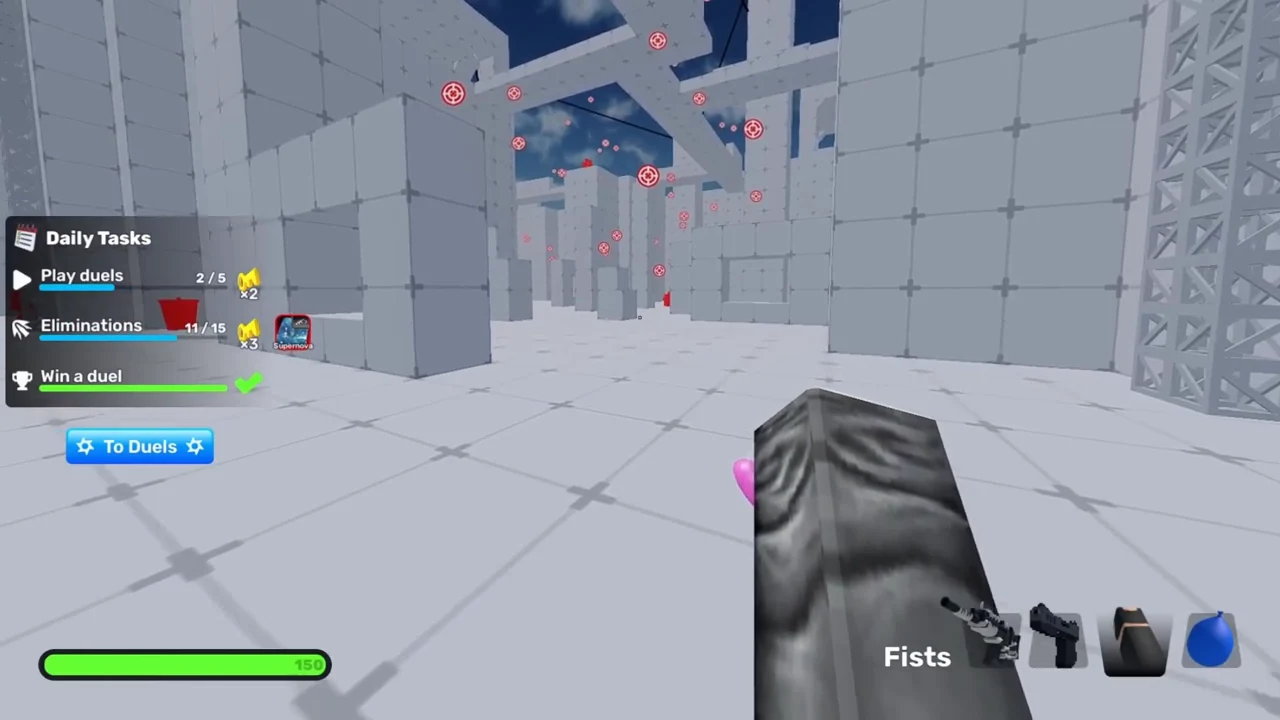
- Slide-jumping: Tap slide and jump together at the end of a slide to carry fast forward velocity across lanes.
- Double jumping: Press jump a second time near the end of a slide-jump to clear wider gaps and reach elevated ledges.
- Ramp jumps and long slides: Slide-jump from the middle or edge of a ramp to launch high above opponents, or slide off elevated edges and platforms to travel farther than flat ground slides allow.
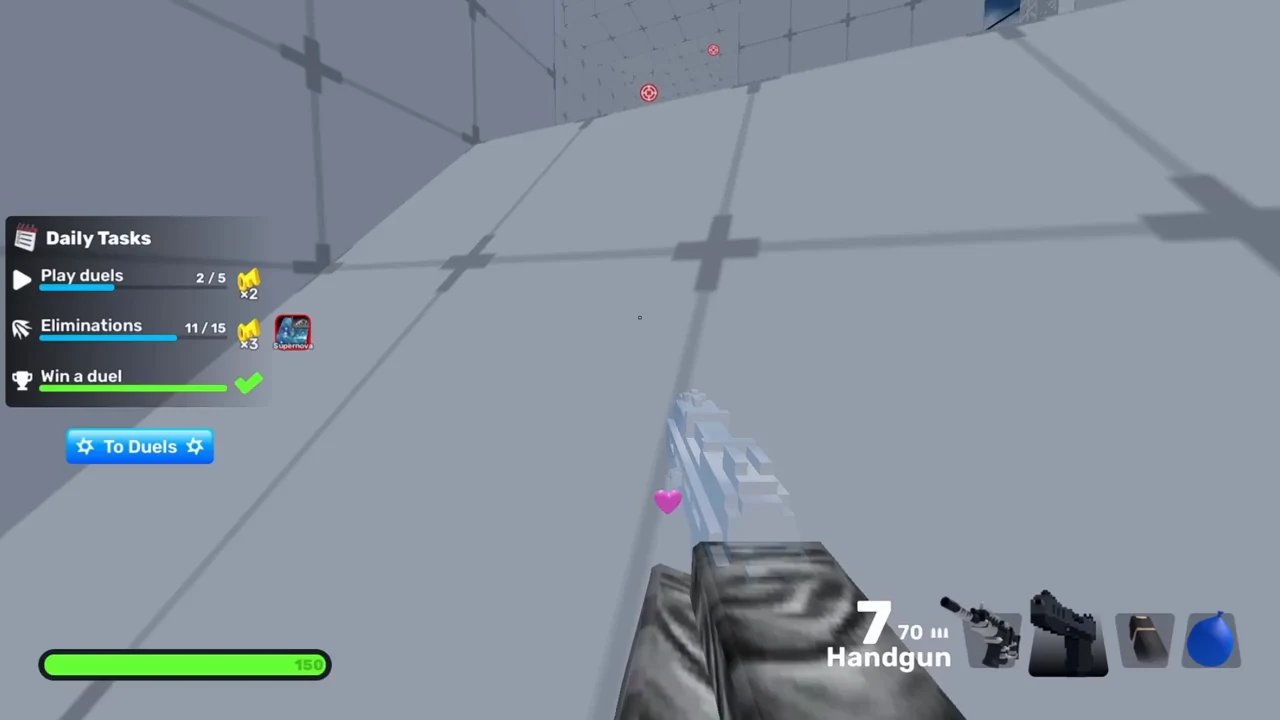
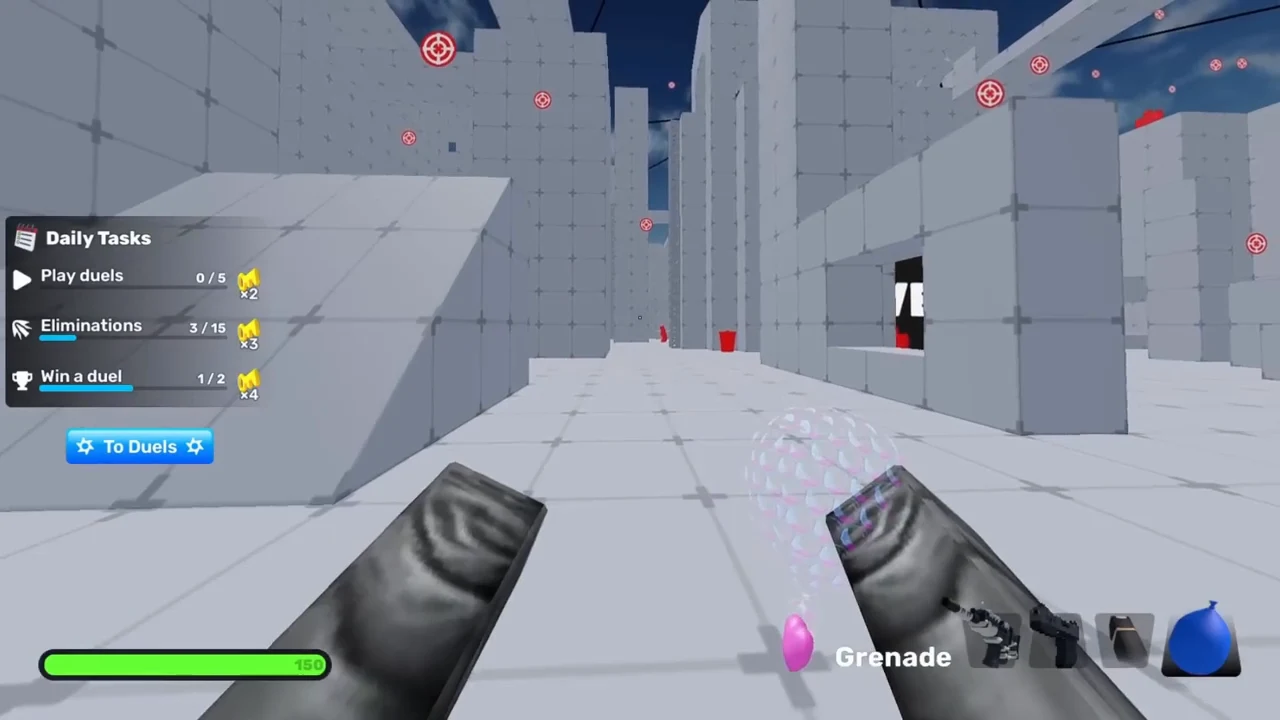
- Grenade jumps: Hold a Grenade until it approaches your character, then slide-jump right as it explodes. Because your own explosives deal zero self-damage, the blast launches you onto high ground quickly.
- Scythe dash: Press your quick-melee bind (such as
F) followed immediately by right-click to dash upward.
Aiming Habits and Reload Canceling
Good settings work best alongside clean duel fundamentals. Place your crosshair where opponents are about to peek—aiming either above the walls or on the ground rather than at feet level. When using Wildcat, pull your aim downward steadily while firing to counter its upward recoil kick. Finally, avoid reloading in open spaces: switch to your secondary weapon instead, or watch your ammo counter and swap briefly to your secondary as soon as the ammo ticks up to cancel the remaining reload animation.
Redeeming developer codes in the Shop rewards tab (once you follow the developers) also helps fund mobility unlocks like the Scythe faster: