







Catalog Avatar Creator is a place to try on Roblox items and build outfits. Search for the game, join a server, pick items, try them on, and save the looks you like. This guide walks you through each step in plain words.
Getting started
Search for avatar creator on your device. One video says the first result is the official game, so pick that one. Some copycats exist, so check before you join.
You can join a public server to meet other players. If you want to be alone, make a private server from the servers tab. Then nobody bothers you while you test looks.
Using the game is about the same in either kind of server.
One guide says every item you see in the game can also be bought on the normal Roblox catalog. That means the things you try are real items.
Trying on items
- Open the catalog at the top.
- Pick a group, such as clothing.
- Click an item you like.
- Choose the try option.
You will see the item on your avatar. Walk around and check how it looks. If you want to take it off, open the currently wearing list and remove it.
You can wear many items at once to make one outfit. Look at the community outfits for ideas. One video says it is better to mix pieces from different looks than to copy a whole avatar.
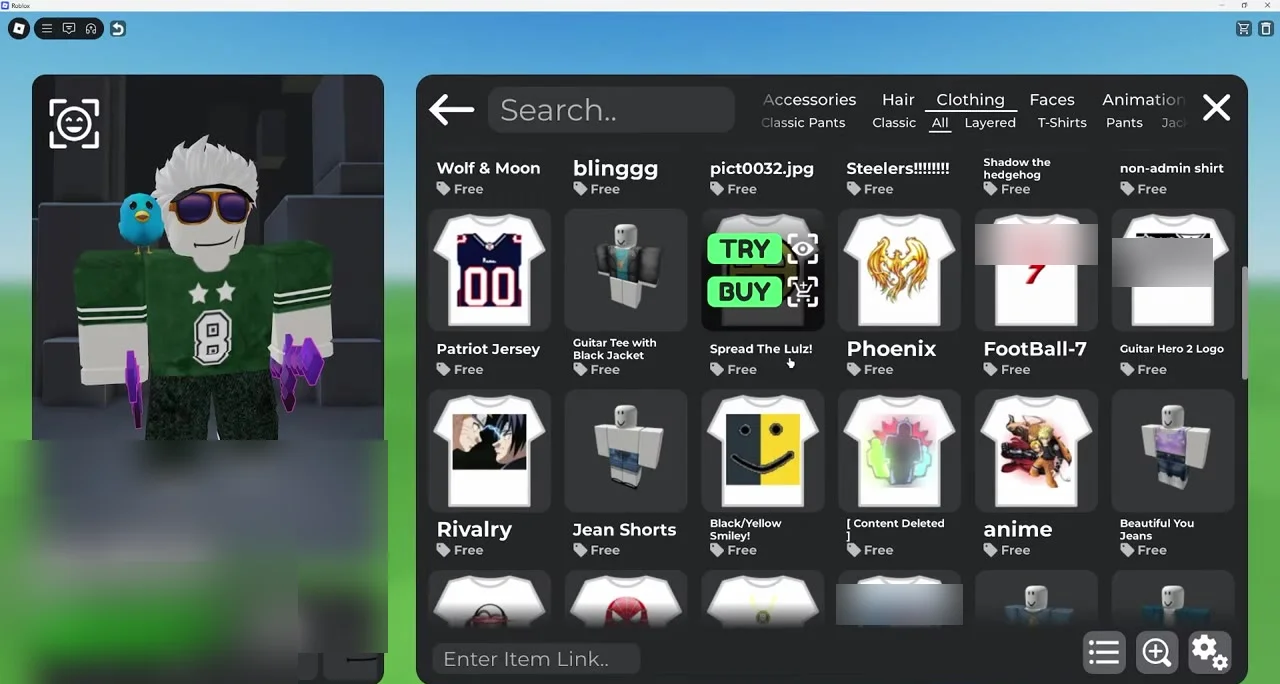
Remember that tried items do not go into your inventory. They vanish when you leave the game. Trying is free, but buying an item costs real money in the form of Robux, so think first.
Saving and loading outfits
When you like your look, you can keep it.
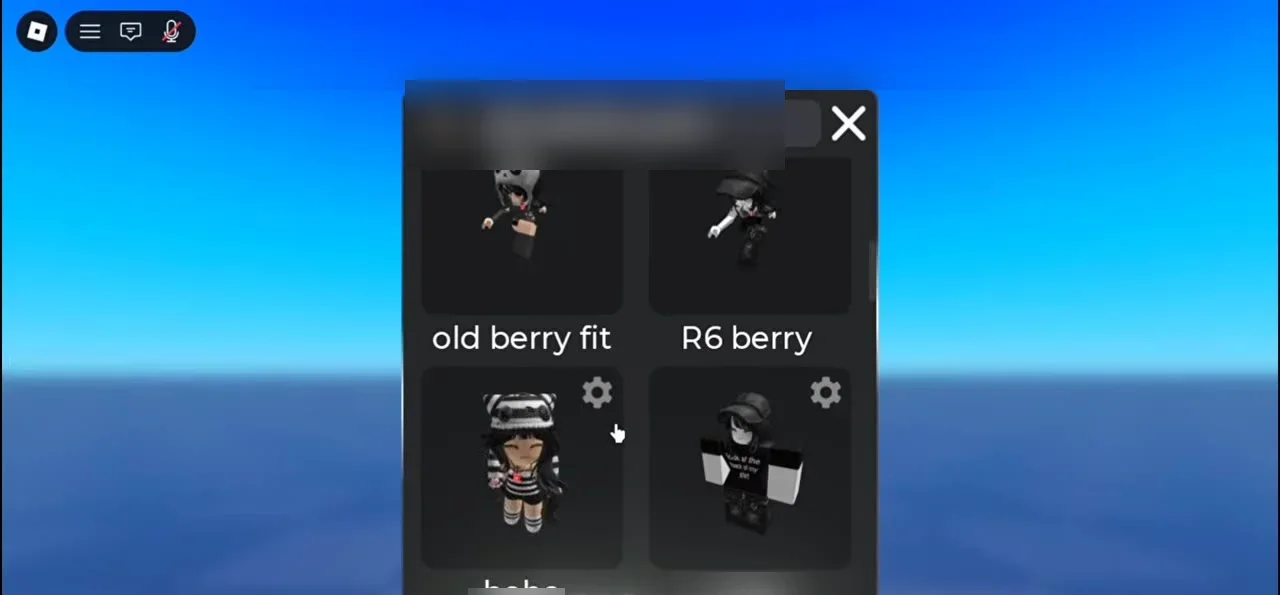
- Open saved outfits.
- Press the plus button.
- Type a name for your outfit.
- Save it.
A name makes the outfit easy to find later, which helps when you have lots of them.
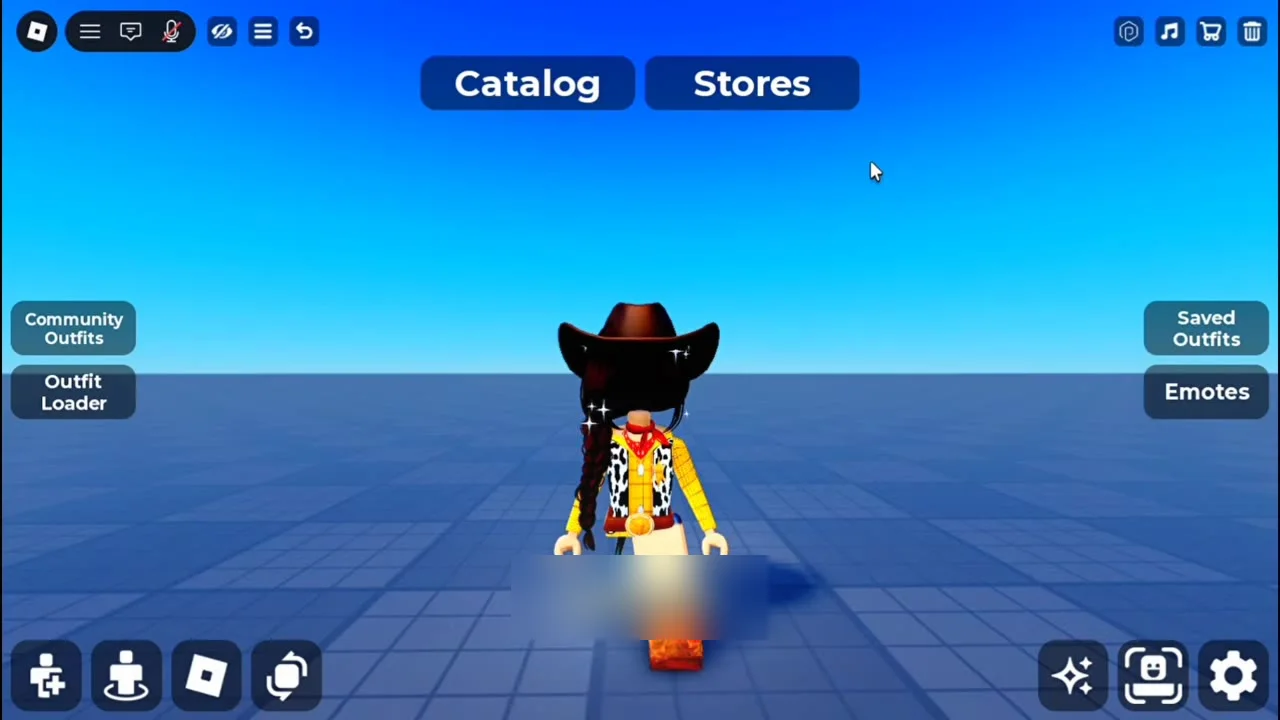
The outfit loader is another handy tool. Type a username into it and you can see that person's outfits.
Handy settings
In the player settings you can change how fast you move, how high you jump, and how strong gravity is. You can also hide other players if they get in your way.
Take your time and explore each tab. Try small changes first, save the outfits you love, and have fun building your own style.